Screenshot OCR for Mac
Recognize text and QR codes locally with Apple Vision. Results stay in session cache; system translation needs macOS 15+, while AI translation is online.
On this page5 sections
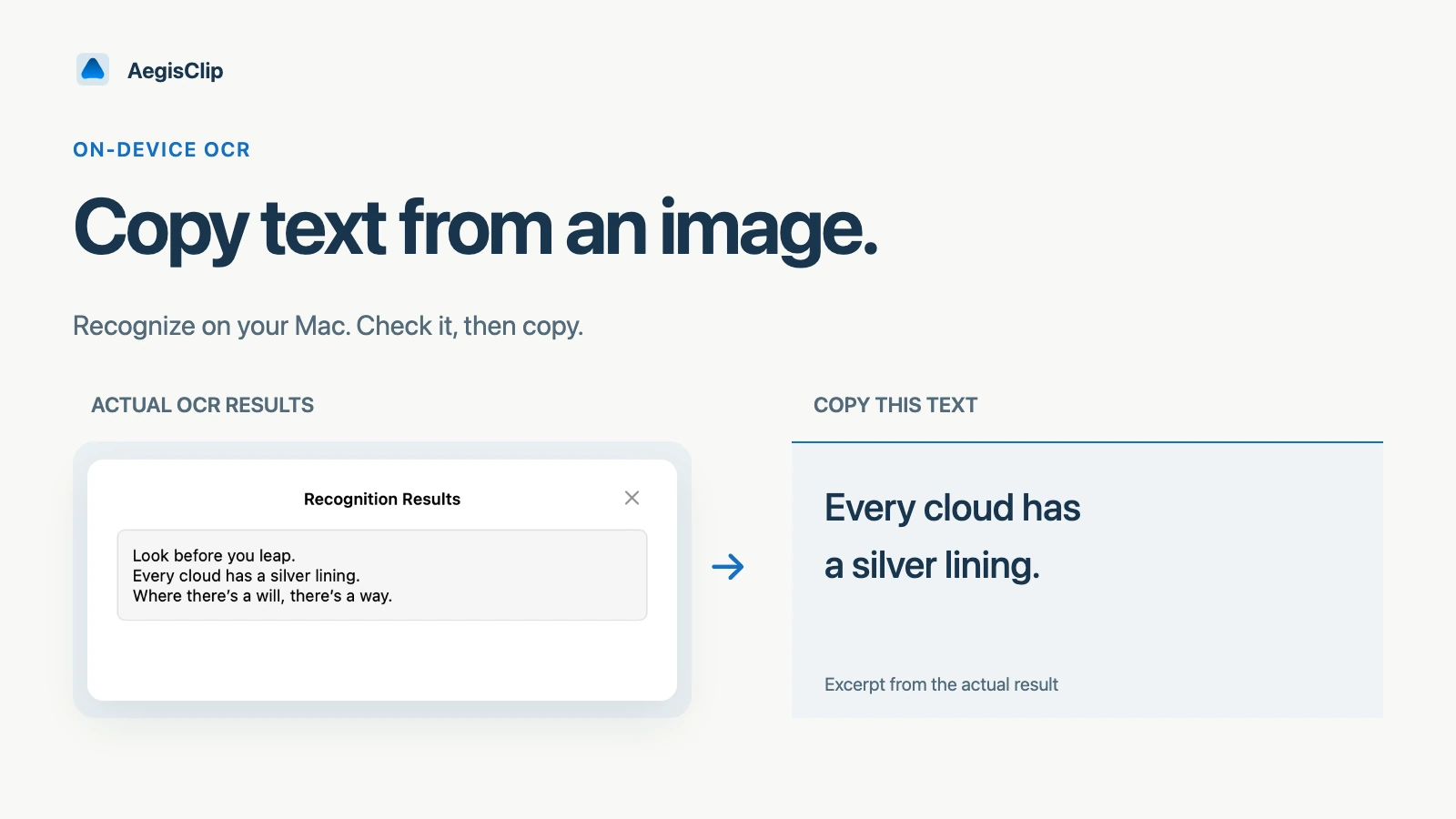
Screenshot OCR for Mac is useful when the text you need is visible but not selectable. That might be an error dialog, a scanned PDF, a remote desktop window, a receipt, a screenshot from a video, or a QR code in an image.
AegisClip keeps OCR close to clipboard history. If an image is already copied or captured, you can recognize text without saving it as a separate file first.
What Image Insight does
Image Insight can process image clips and screenshots. It can:
- recognize text from copied images
- extract text from screenshots
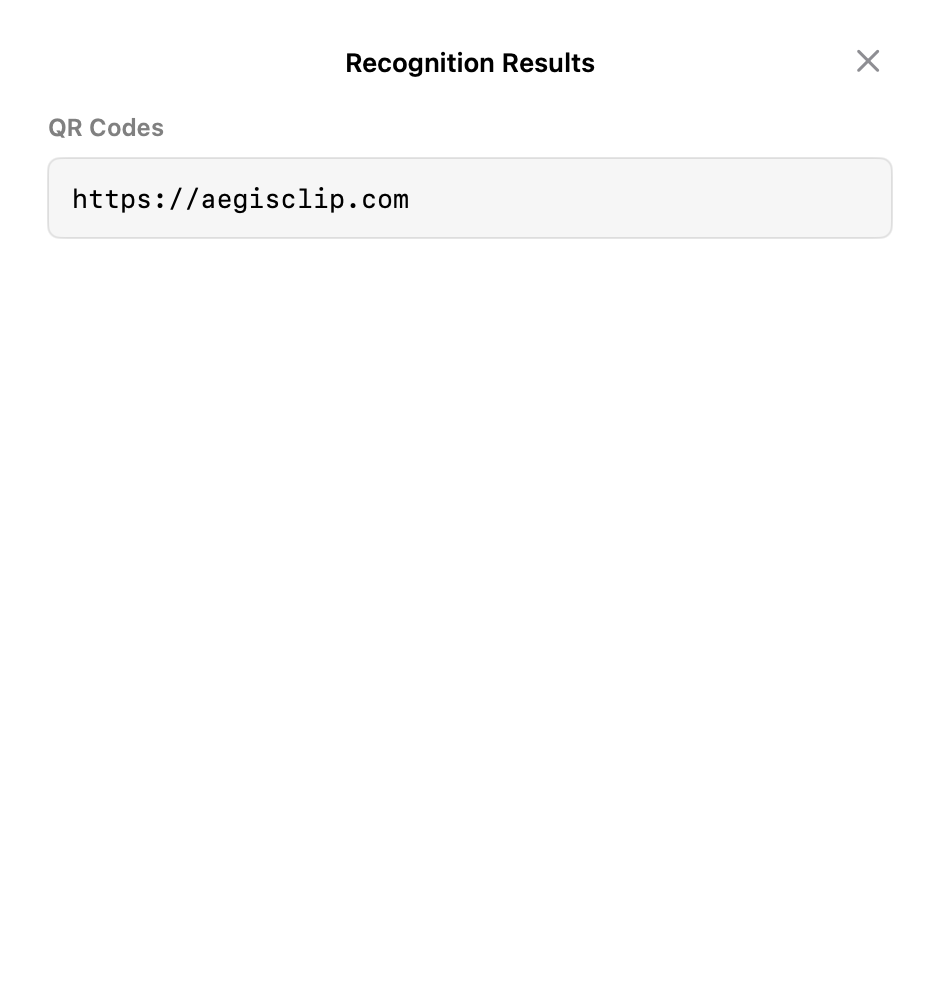
- detect QR codes
- show recognition results in a copyable panel
- reuse cached results for the same image when available
The feature is designed for quick reuse, not document-grade archival OCR.
How to use it
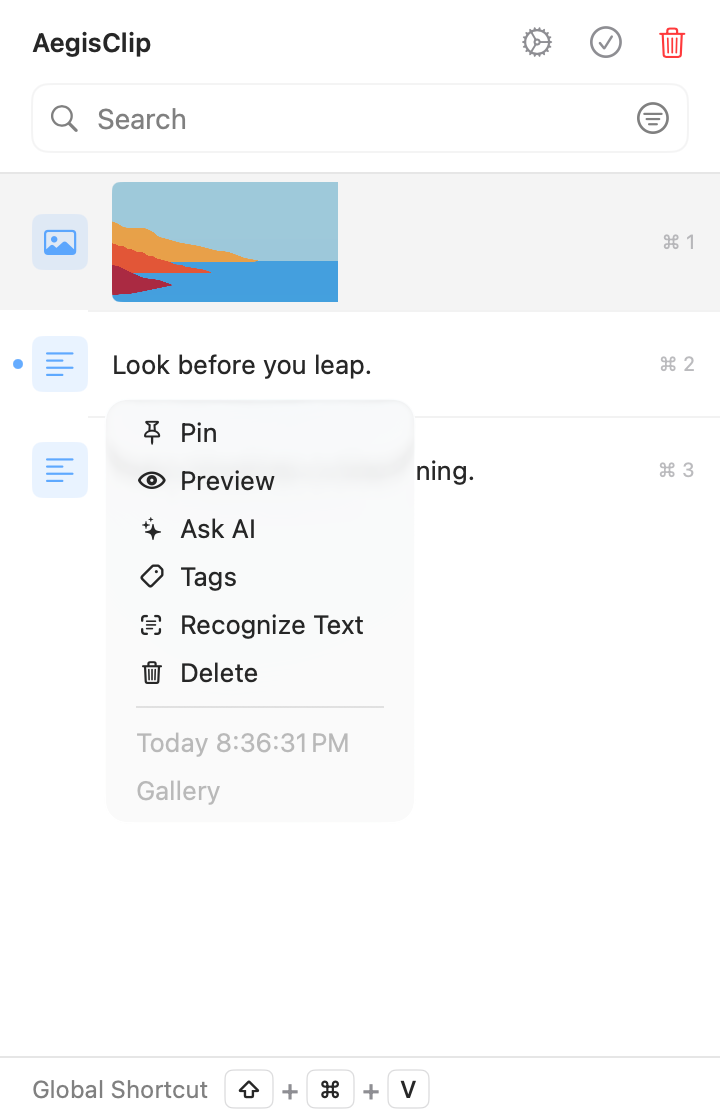
- Copy an image or capture a screenshot with AegisClip.
- Open the image item in clipboard history.
- Choose Recognize Text, or use the OCR shortcut when available.
- Review the recognized text and QR code results.
- Copy the useful text back into your notes, editor, ticket, or document.
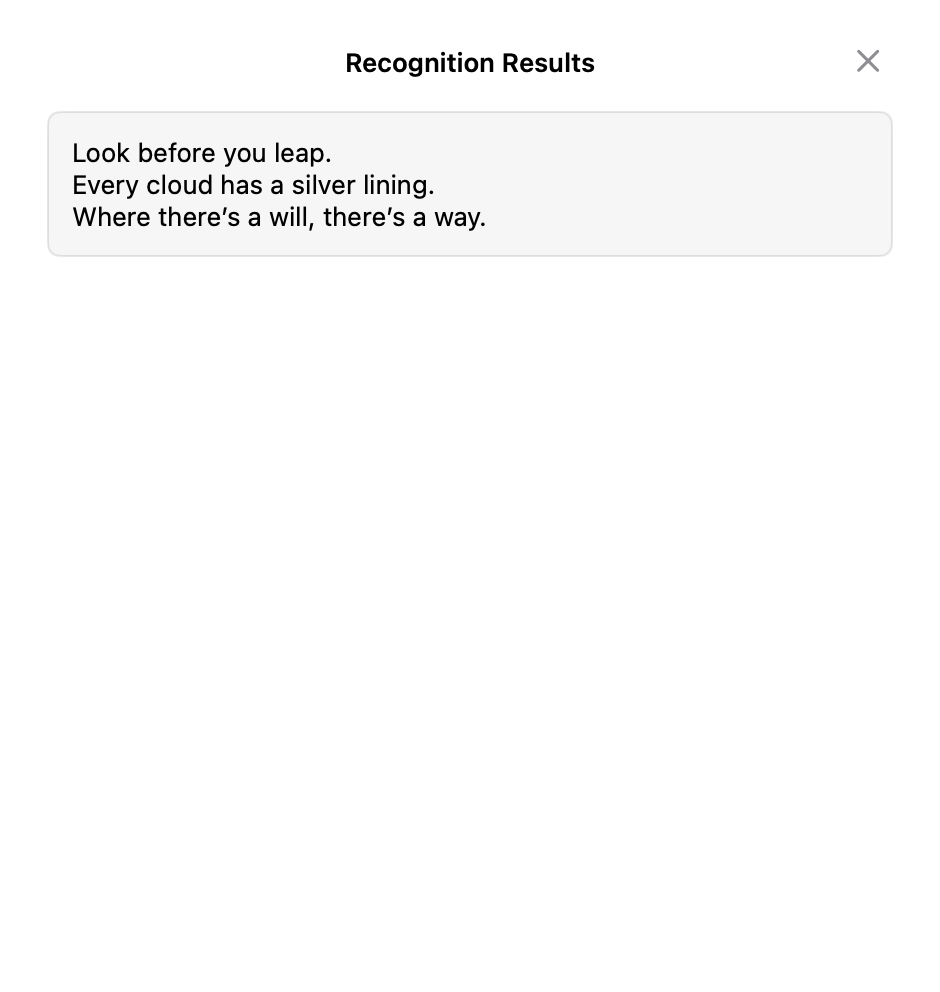
When the source image came from Screenshot Enhancement, OCR becomes part of the same capture-to-use workflow.
OCR and QR detection on an image already in clipboard history do not require Screen Recording permission. That permission is only needed when AegisClip first captures screen pixels.
Good use cases
Screenshot OCR is helpful for:
- error messages in apps or remote desktops
- text inside screenshots from videos or presentations
- scanned notes, receipts, labels, or diagrams
- customer screenshots sent through chat
- QR codes that appear in images
- UI text that cannot be selected normally
For important text, always review the result. OCR saves retyping, but it should not be treated as perfect.
Translation and follow-up
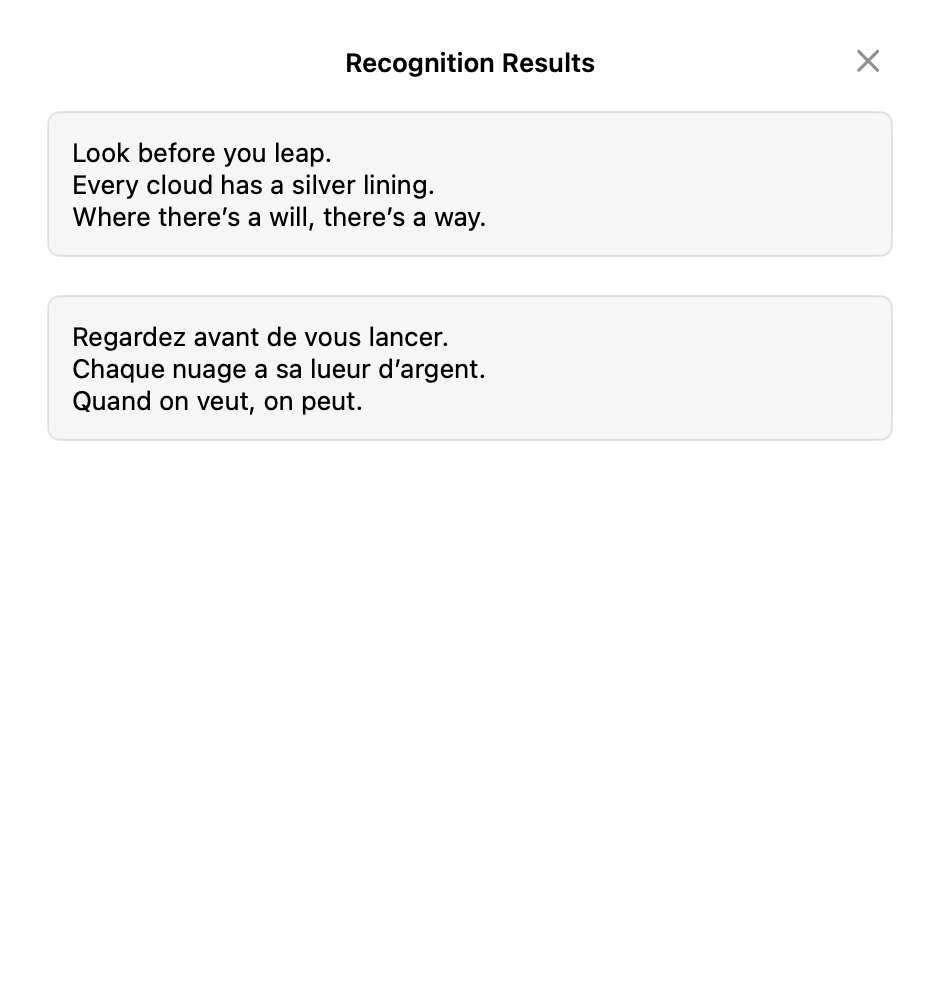
Recognized text can continue through two translation backends:
- macOS Translation requires macOS 15 or later and depends on the language pair and available language resources. It does not use a third-party API key, but resource downloads and the system service are managed by macOS.
- AI translation uses the configured provider, model, Base URL, and API key. A vision model can use the image for context; a non-vision model falls back to OCR text only.
AI-assisted OCR translation is a Full Version feature and requires both network access and AI data-sharing consent. Local OCR and macOS Translation do not send content to a third-party AI provider. Review numbers, code, names, and complex layouts before using either translation result.
After recognition, the text can be pasted normally, saved as a clip, tagged, or combined with other notes.
OCR analysis is reused through an in-memory cache of roughly 100 results, and translation stays in the result-window state. Closing or resetting clears that session data; AegisClip does not create a separate persistent OCR text index. Copy recognized text into a new text clip if it must remain searchable.
Why it belongs in a clipboard manager
OCR is most useful when it is close to the place images already appear. A copied screenshot stays previewable and reusable; recognized text becomes part of main clipboard search only after you explicitly copy or save it as text.
For related workflows, read Screenshot Tool for Mac and Search and Filter Clipboard History.
FAQ
Can AegisClip extract text from screenshots?
Yes. You can run Image Insight on a copied image or screenshot, recognize text, and copy the result for use in another app.
Does Screenshot OCR for Mac need the internet?
Local Apple Vision OCR does not. macOS Translation needs macOS 15+ and available language resources, whose downloads and system service are managed by macOS. AI translation needs a network connection and sends authorized OCR text, plus an image for a vision model, to your configured provider.
Can it detect QR codes?
Yes. Image Insight can detect QR codes in an image and let you copy the detected content.
When is OCR not reliable?
OCR can struggle with low-resolution screenshots, distorted text, unusual fonts, busy backgrounds, or text that is partially hidden.
Download AegisClip
Clipboard · Screenshot OCR · AI Bar — core history stays on your Mac by default.
Free download · 7-day full trial · Optional one-time upgrade.