01
Copy now. Find it when you need it.
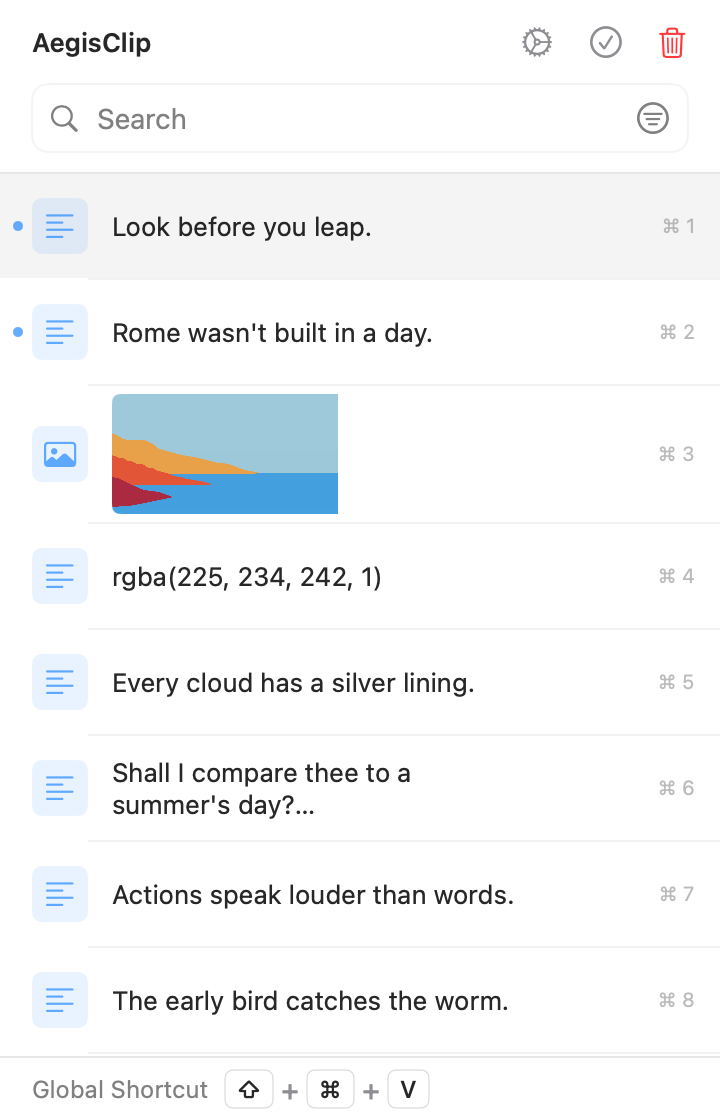
Turn scattered copies into searchable, filterable material you can paste in sequence.
- Keep text, images, links, and files
- Filter by source, type, date, or tag
- Auto Paste or paste a selection step by step

CLIPBOARD · SCREENSHOTS · AI FOR MAC
Find what you copied. Capture screenshots and extract text. Use your chosen AI to translate or polish when you need it.
Free download · 7-day full trial · Optional one-time upgrade · macOS 12.0+
Three daily jobs
Find a passage, annotate a capture, or refine an idea. Three everyday tasks, right where you work.
Turn scattered copies into searchable, filterable material you can paste in sequence.
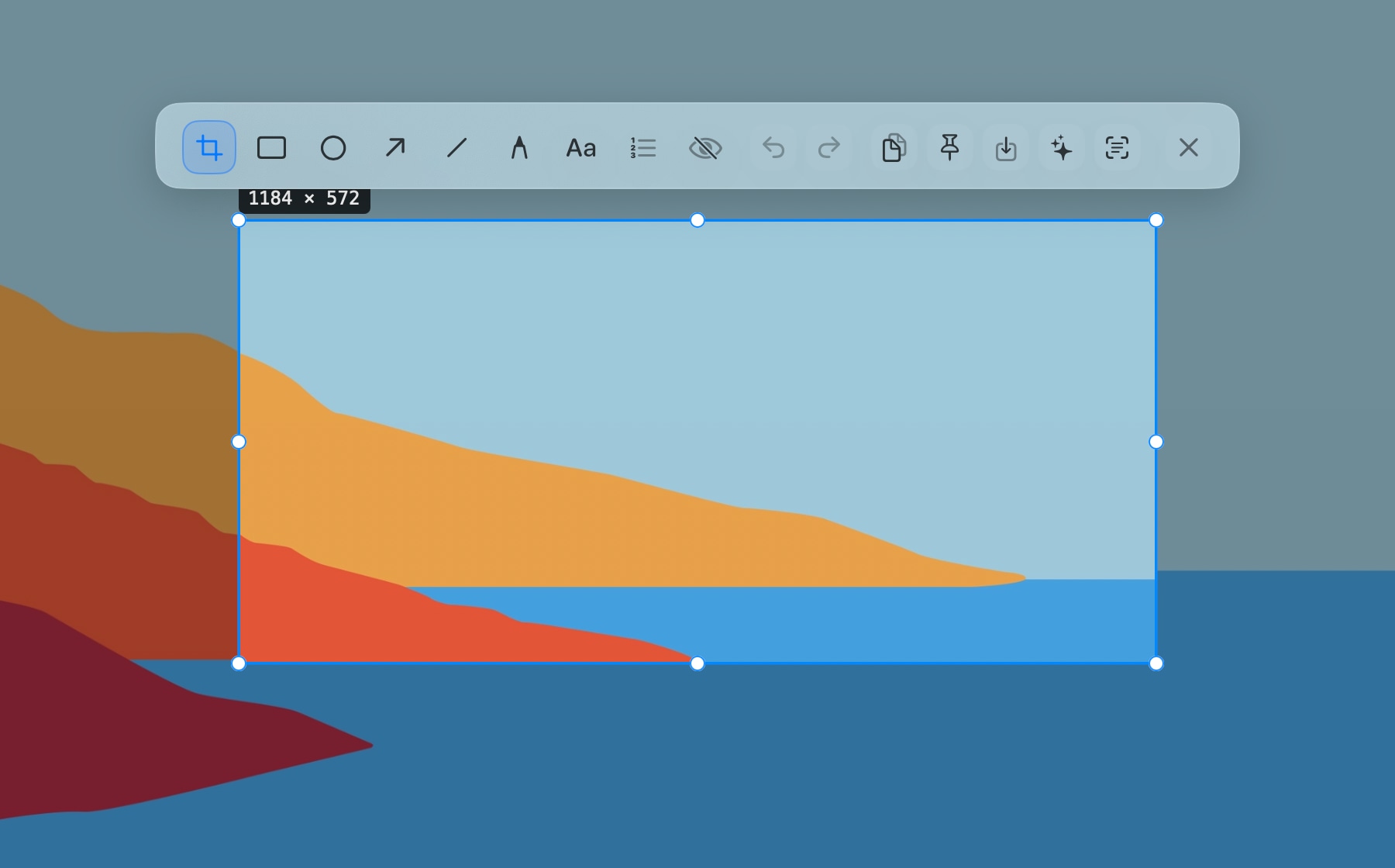
Keep references nearby; pull text from images straight back into the clipboard.
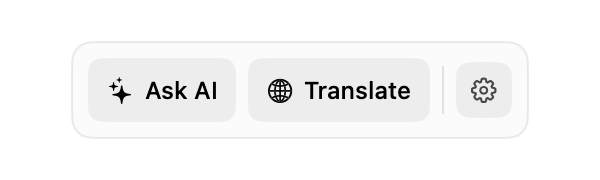
Skip the copy-to-chat-copy-back loop; copy or replace the result directly.
Clean design and smooth experience make clipboard management elegant and efficient
Open, search, select, paste, and manage clips from the keyboard.
Group reusable clips by project, topic, workflow, or source.
Find old clips by text, source app, content type, date, and tag.
Capture, annotate, pin, copy, save, OCR, or send screenshots to the AI Bar inside one workflow.
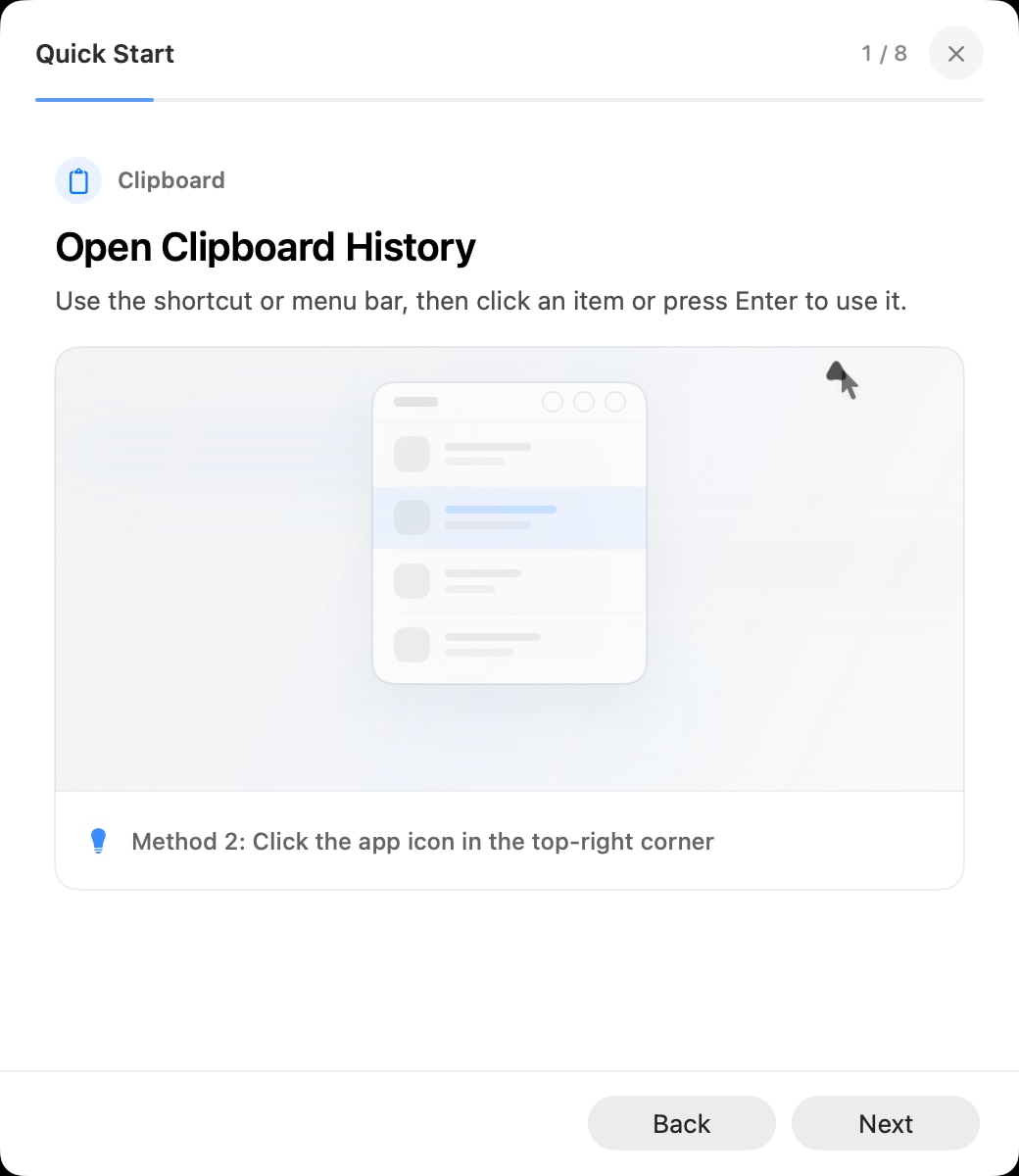
Multiple paste modes to meet intelligent pasting needs for different scenarios
Choose a clip and send it directly into the active app without an extra Command-V step.
Turn long notes, prompts, lists, or replies into separate reusable clipboard items.
Select several clips and copy them as one batch for notes, reports, or handoffs.
Paste selected items one by one when filling forms, tables, or repeated fields.
Feature-rich yet simple to use, providing comprehensive clipboard management experience
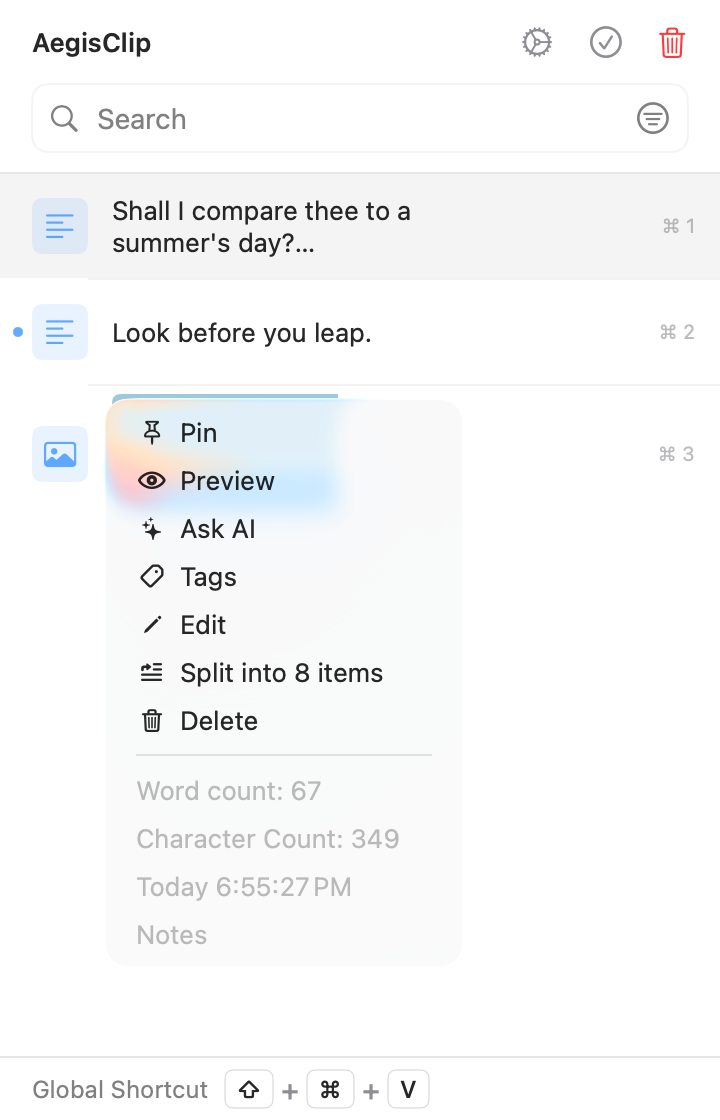
Copy, pin, delete, inspect, and manage clips from the item menu.
Tune launch, paste, shortcut, screenshot, language, and appearance settings.
Pause clipboard monitoring temporarily when copying private or one-off content.
Back up, migrate, or rework clipboard history with CSV and image exports.
Scroll through clipboard history, paste workflows, screenshot OCR, AI, and more. The complete map groups every capability with detailed guidance.
Scroll horizontally to see more features
Public user feedback
Short excerpts from public App Store, V2EX, and Reddit feedback. Stars, when shown, belong to that individual review and not to an aggregate product score.
Man.Osm
“It has genuinely sped up my writing process and made organizing research effortless.”
veepyespy
“I like this app. It’s simple and easy to use.”
Weekly_Cut_3268
“I liked the app. It’s really a time-saving tool when pasting in sequence, and the notification when everything has been pasted is a neat reminder.”
DrunkPods
“Lots of clipboard managers out there. I chose this one after trying a few. AegisClip is free and user-friendly, almost as good as Ditto, which I use on Windows.”
Wcowin
“Feature-rich while staying lightweight, with stronger attention to detail—really solid. I recommend AegisClip.”
Translated from Chinese
Smilencer
“Clean, uncluttered software is rare these days.”
Translated from Chinese
Try it first, then decide. One-time upgrade. No subscription.
Install AegisClip from the Mac App Store without paying first.
Try full history and the advanced features available in your App Store region.
After the trial, access the first 9 history items for free. Upgrade for full history and advanced tools.
FAQ
A clear summary of privacy, permissions, the trial, and the upgrade path—so you can decide whether AegisClip fits your workflow.
Still missing an answer? Tell us directly in the support center.
support@aegisclip.comClipboard · Screenshot OCR · AI Bar — core history stays on your Mac by default.
Free download · 7-day full trial · Optional one-time upgrade.