Clipboard Manager for Students
Collect research quotes, lecture notes, citations, and study material without losing context. Learn how AegisClip helps students organize clips.
On this page6 sections
Key Features
- Keep research quotes, links, screenshots, and lecture notes searchable
- Split long copied passages into smaller study clips
- Tag material by course, assignment, topic, or source
- Copy several notes together when building outlines or study guides
- Use OCR when useful text is trapped inside screenshots
Why students need a clipboard manager
Studying on a Mac often means collecting material from many places: lecture slides, PDFs, web pages, library databases, chat messages, screenshots, and notes from class. The problem is not copying one quote. The problem is keeping useful material from disappearing while you move between sources.
A clipboard manager for students gives copied research a temporary workspace. AegisClip helps you keep useful snippets searchable, split long passages into smaller clips, and move selected material into your notes, outline, or paper when you are ready.
It should not replace your notes app, citation manager, or school documents. It sits before them, catching the material you are actively sorting.
That is the right role for a clipboard manager for students: capture the pieces you are working with now, then move the useful ones into a more permanent place.
What to collect
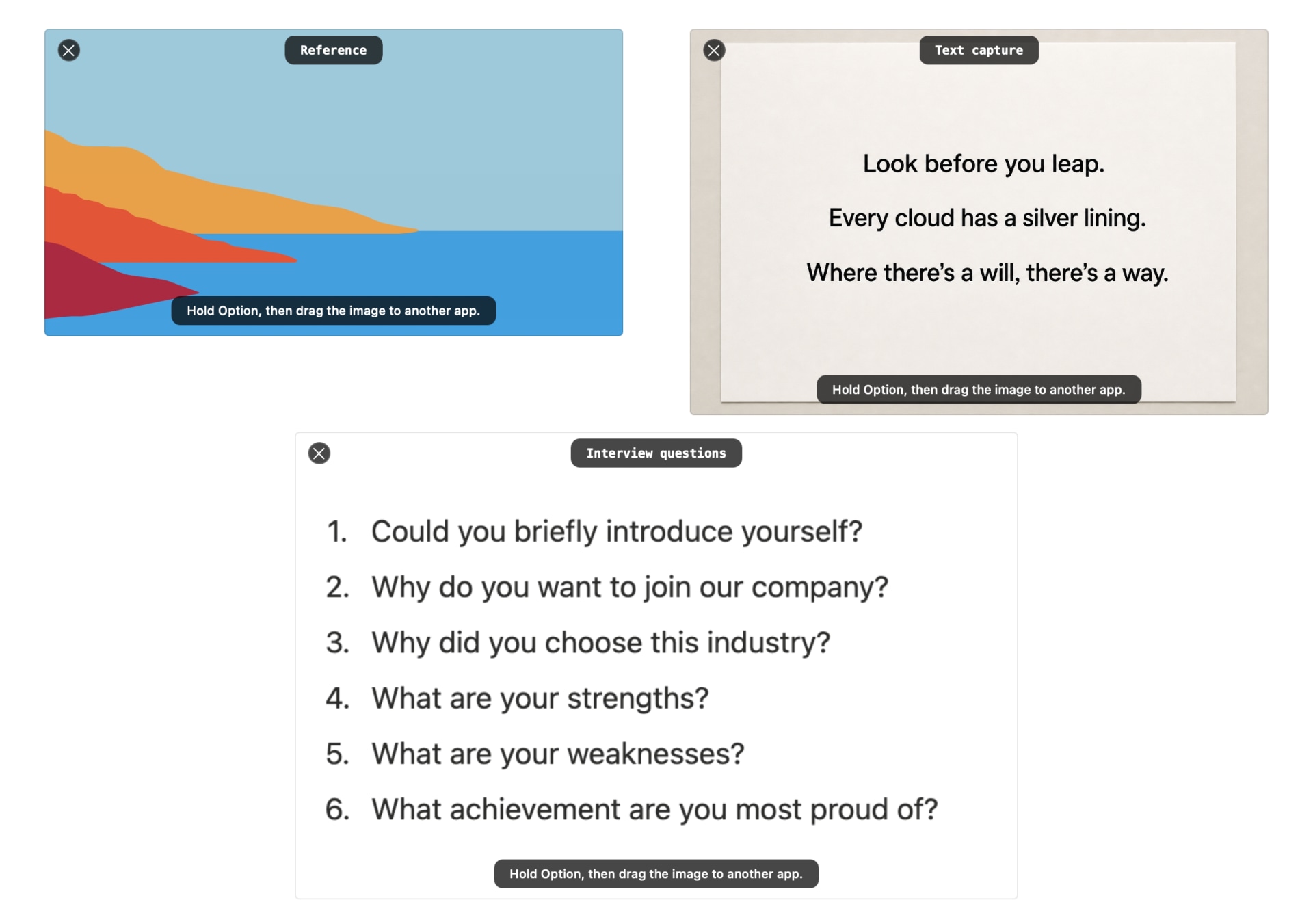
Good clipboard material is specific and tied to current work:
- quotes, definitions, and short explanations from sources
- links, page titles, citation details, and source notes
- formulas, terms, vocabulary, or examples from lectures
- screenshots of diagrams, tables, instructions, or slides
- draft outline points or study guide sections
When copying research quotes, copy the source information too. AegisClip can help you find the quote again, but citation accuracy is still your responsibility.
Organize by assignment, not by everything
Students often start with good intentions and end up with a huge pile of clips. Keep the structure simple:
- course:
biology,history,economics - task:
essay,midterm,lab-report,presentation - topic:
cell-division,market-failure,primary-sources - source:
lecture,paper,book,website
Clipboard Tag Management is useful when a clip will matter again. For one-off copied text, search may be enough. Use Search and Filter when you remember a keyword, source app, tag, or approximate time.
Turn long research into usable pieces
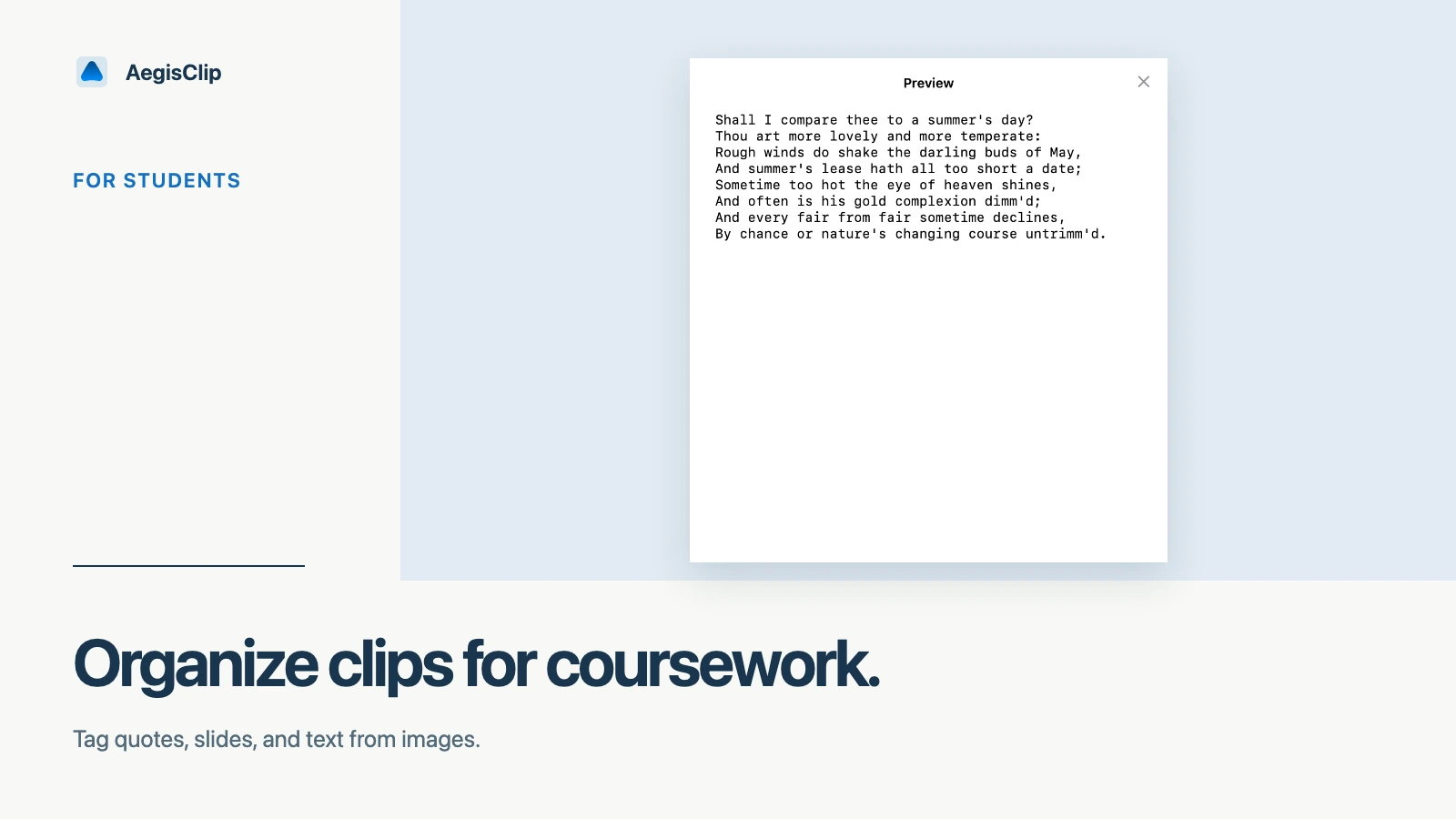
Long passages are hard to reuse. If you copy a large section from a PDF or article, use Split Text into Items to break it into smaller clips. Then keep only the pieces that belong in your outline or study guide.
When you need several pieces together, Copy Multiple Clipboard Items can combine selected notes into one paste. If each item needs to land in a different field or section, Step Paste keeps the sequence controlled.
Screenshots and OCR
Some study material is not easy to select as text: diagrams, scanned PDFs, slides, screenshots, or app windows. AegisClip can keep image clips in history, and Image Insight OCR can extract text when the image contains useful words.
Use OCR as a helper, not as the final source of truth. Always check recognized text against the original when accuracy matters.
A first study workflow
- Pick one current assignment or exam topic.
- Copy three quotes, two links, and one screenshot related to that topic.
- Tag the useful clips with the course and assignment name.
- Split any long passage into smaller clips.
- Paste the final selected material into your notes, outline, or study guide.
If this reduces the time you spend hunting through tabs and PDFs, AegisClip can become a useful study companion. For the basic setup, start with How to View Clipboard History on Mac.
FAQ
How is this different from a notes app?
A notes app is where final notes should live. A clipboard manager for students is a temporary collection layer that helps you capture, search, split, and move material before it reaches your notes or paper.
What should students save in AegisClip?
Save research quotes, links, definitions, citations, short lecture notes, formulas, and screenshots you are actively using. Avoid turning clipboard history into a permanent archive for everything.
Can AegisClip help with citations?
It can help keep copied source details near the quote, but it does not replace a citation manager. For academic work, still confirm citation format in your writing tool or reference manager.
How should I try it for study work?
Use one assignment. Copy a few quotes, links, and notes, tag them by topic, split long passages, then paste the useful pieces into your outline or study guide.
Download AegisClip
Clipboard · Screenshot OCR · AI Bar — core history stays on your Mac by default.
Free download · 7-day full trial · Optional one-time upgrade.