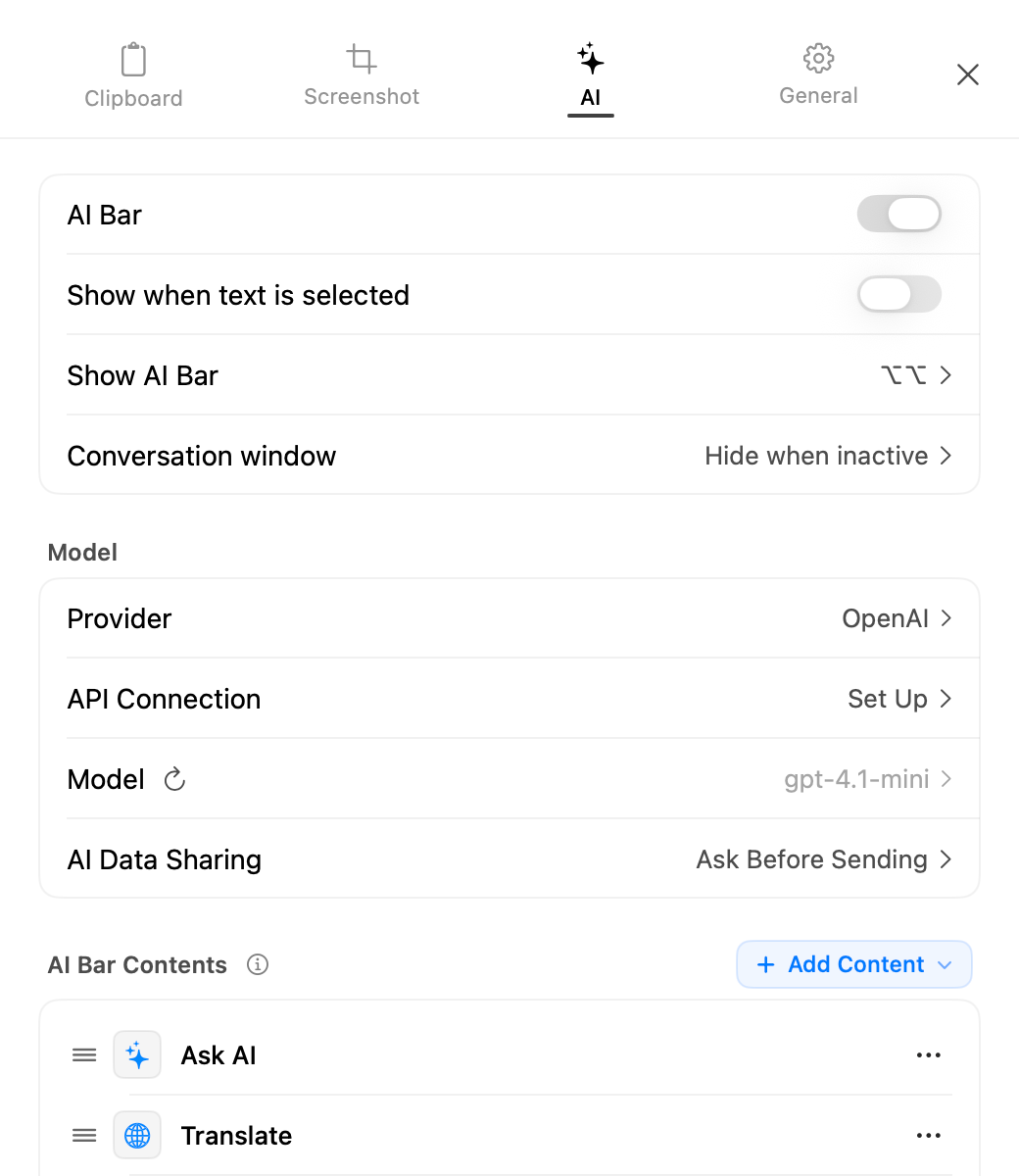
Set Up the AI Bar on Mac
Configure an AI provider and model in AegisClip, test your first request, and learn custom prompts, external search, permissions, and data-sharing boundaries.
Published Nov 1, 20266 min read
Practical AegisClip guides for viewing clipboard history, Auto Paste, permissions, shortcuts, and faster Mac paste workflows.
Configure an AI provider and model in AegisClip, test your first request, and learn custom prompts, external search, permissions, and data-sharing boundaries.
Set up AegisClip actions in Shortcuts to search and copy clipboard history. Check action behavior, access limits, and confirmation requirements.
See what remains free after the AegisClip 7-day trial, what the one-time upgrade unlocks, and how to decide whether the Full Version fits your needs.
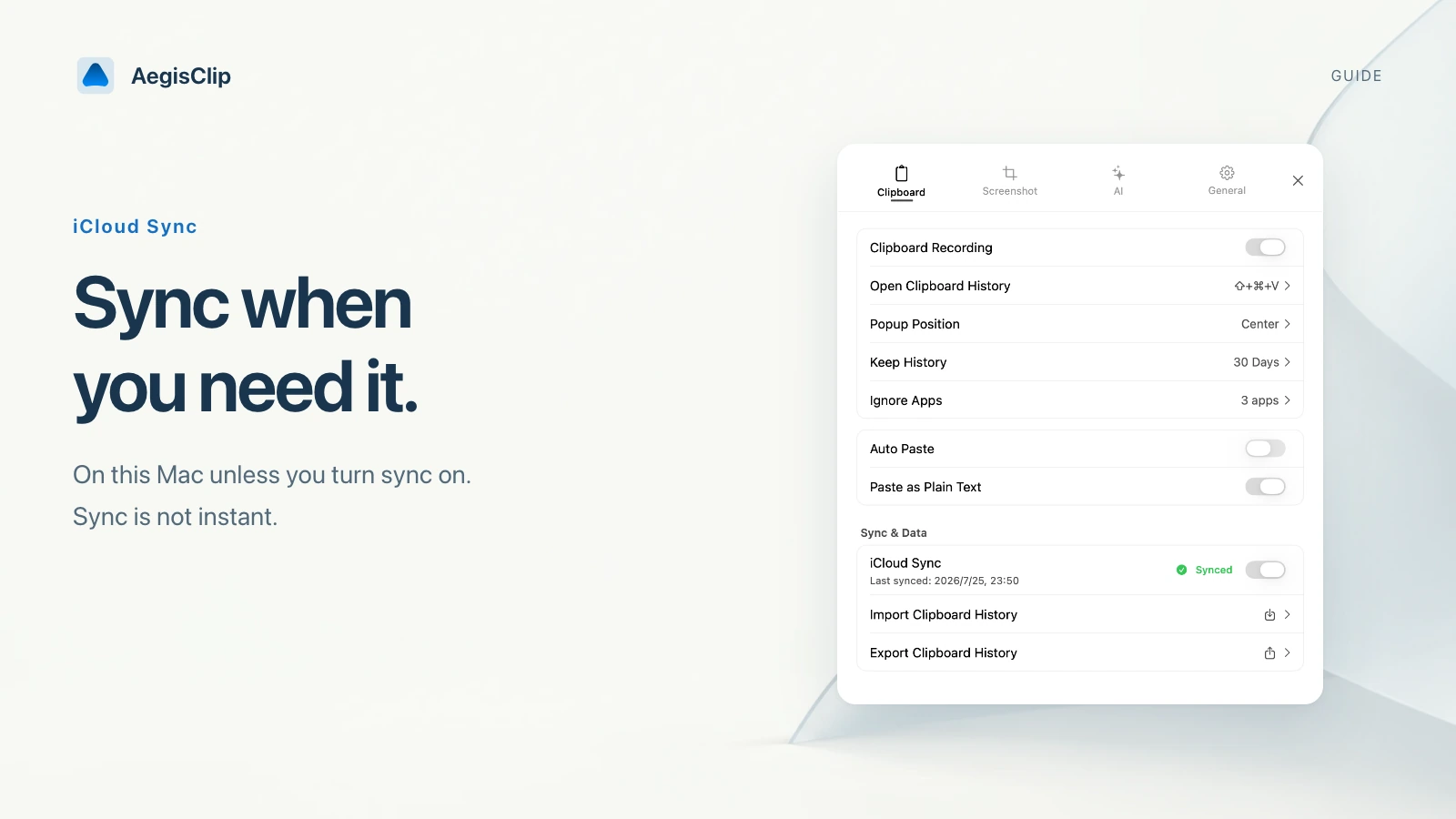
Enable optional AegisClip iCloud sync and understand which clips can sync, why updates may take time, and what happens when you turn it off.
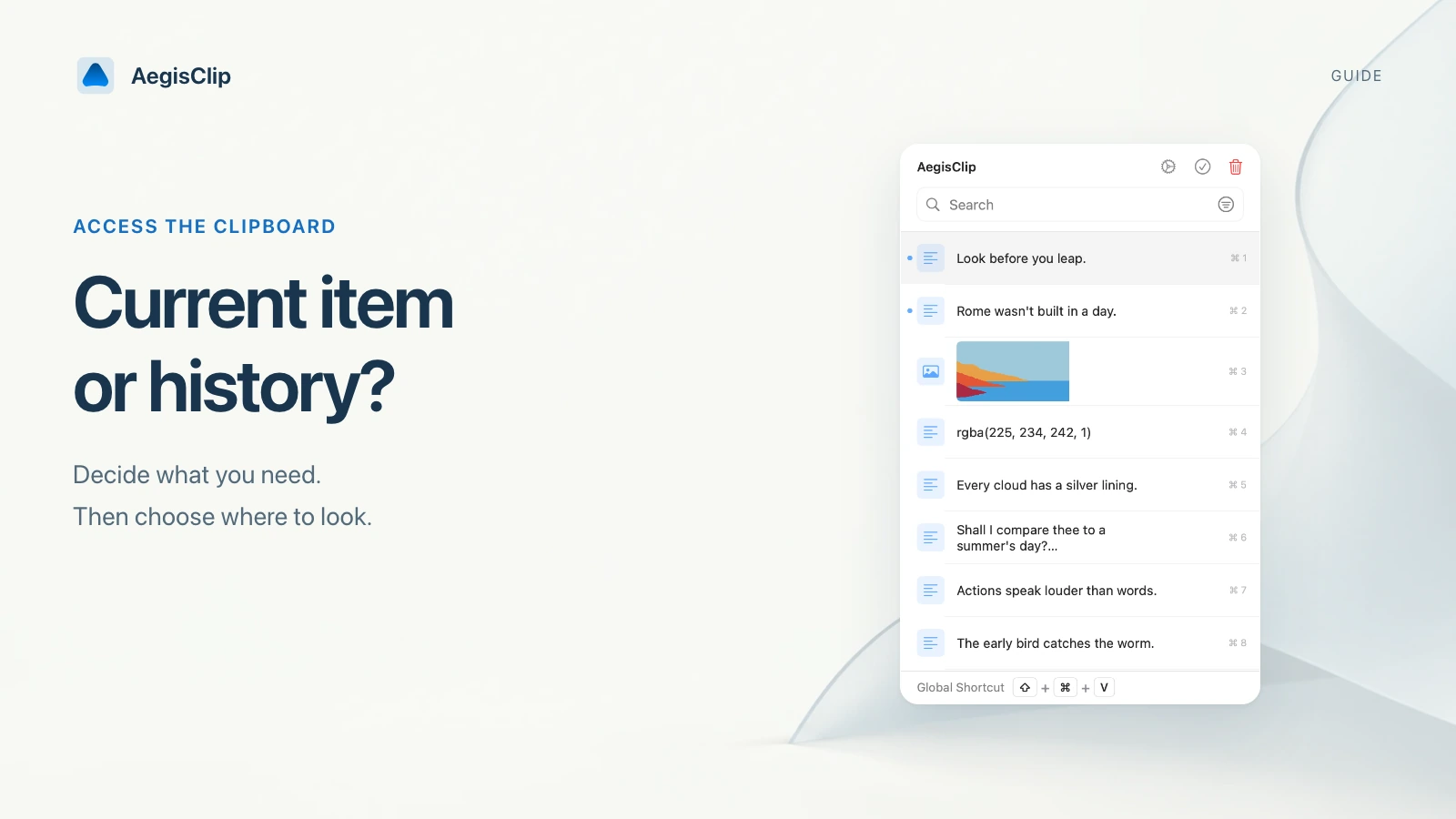
Learn how to access clipboard on Mac, check the current item, open Spotlight clipboard history, and use AegisClip for searchable history.
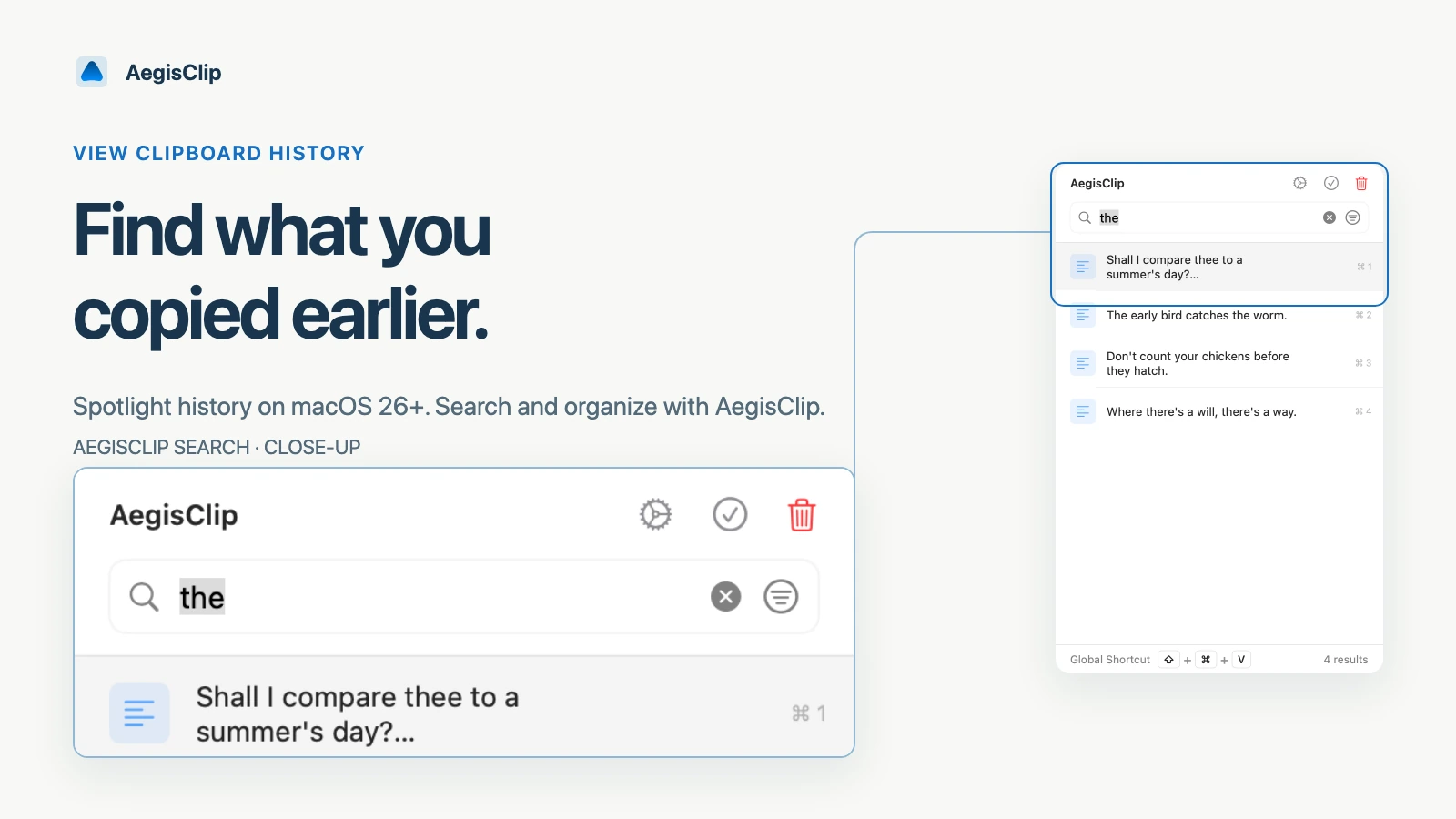
Learn how to view clipboard history on Mac with Spotlight in macOS Tahoe 26, then use AegisClip for search, tags, Copy All, and Step Paste.
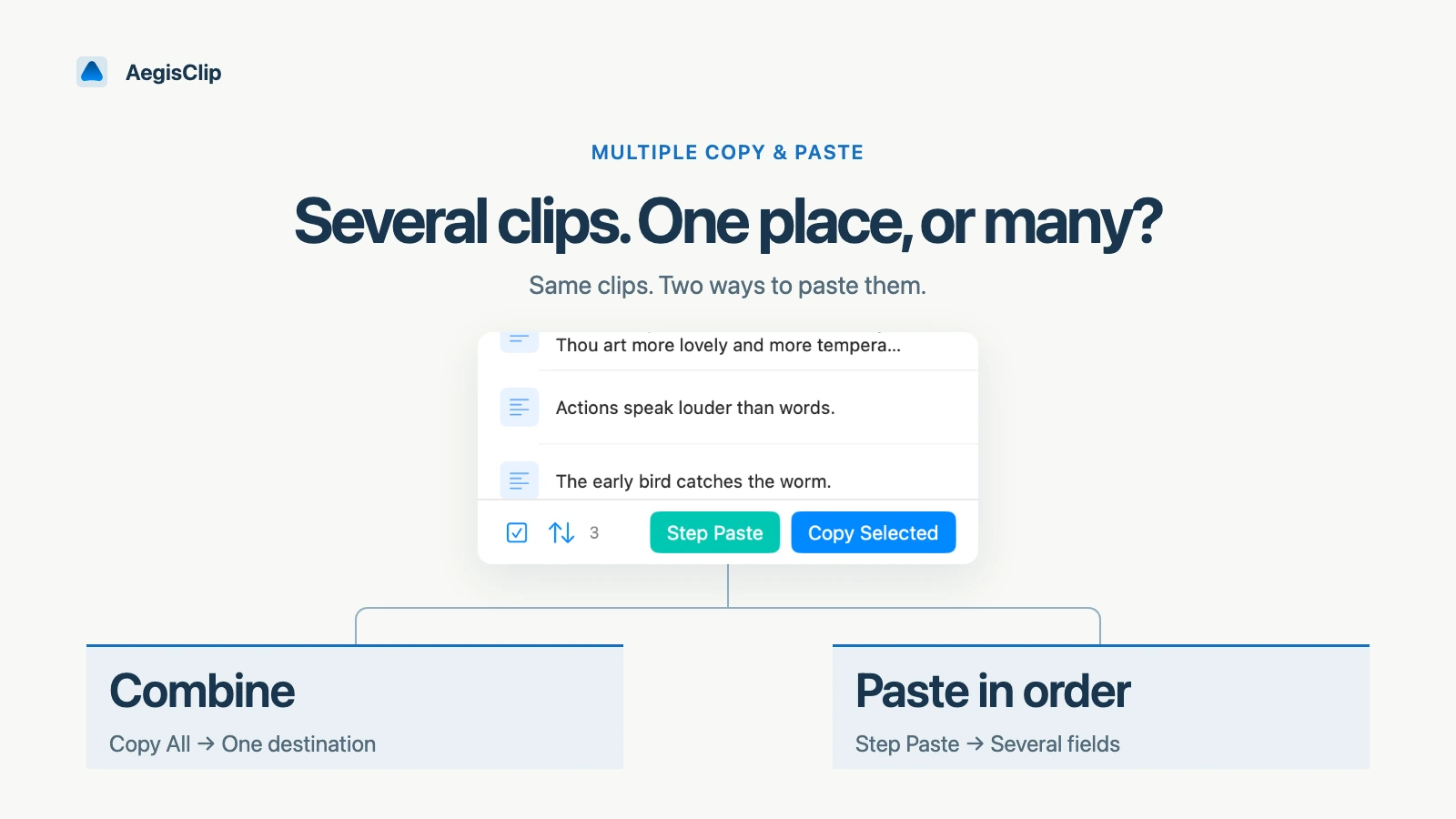
Copy several items on your Mac, then combine them in one paste or fill separate fields in order. Compare Spotlight history, Copy All, and Step Paste.
Learn how to paste on Mac with Command-V, menu paste, paste without formatting, clipboard history, Auto Paste, and quick troubleshooting.