AegisClip Shortcuts and App Intents: Getting Started with Clipboard Automation
Turn clipboard actions into repeatable steps: AegisClip supports App Intents actions that you can combine in the Shortcuts app. This guide covers available actions, boundaries, and good automation scenarios.
On this page6 sections
When clipboard actions become repeatable steps, automation becomes valuable. AegisClip supports App Intents actions that you can combine in the Shortcuts app into your own Mac automations. This guide covers the available actions, boundaries, and good automation scenarios.
Two concepts first
On macOS, keep Apple's two concepts separate:
- App Shortcuts: Apple's auto-display experience — not supported on macOS.
- App Intents: actions an app exposes to the system — supported on macOS. Users combine them in the Shortcuts app.
AegisClip provides App Intents actions, not an App Shortcuts display.
Actions AegisClip currently provides
- Get First Item in List: returns the first accessible item in the current sort order; pinned items may sort above the most recent copy
- Copy Item by Index: copies a history item by its index
- Search Clipboard History: searches history by keyword
- Clear History: requires confirmation before running
- Get Statistics: returns history statistics
Boundaries: automation does not bypass permissions
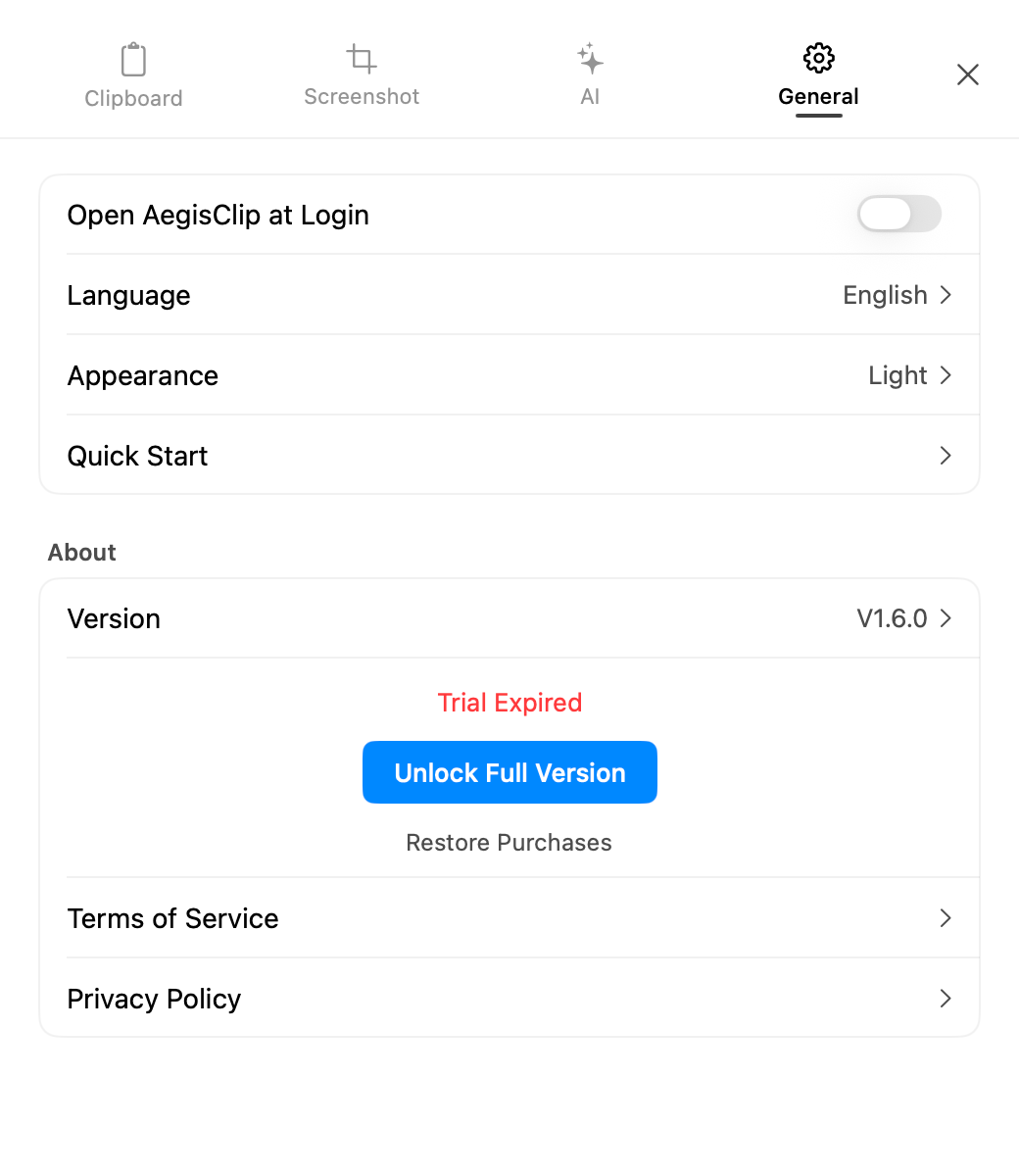
Read actions still respect the current history access entitlement; automation cannot bypass locked scope. This means:
- Trial history access limits apply equally to automated reads
- Destructive actions such as clearing history keep a confirmation step
- Privacy decisions are not silently executed by automation
Good automation scenarios
Automation should stay restrained. Stable actions work well:
- Fetching the most recent copy from a fixed position
- Scheduling a search for a specific keyword in history
- Composing AegisClip actions into a larger workflow (search → copy → send)
Not suitable: hiding privacy decisions — automatic history clearing, unconfirmed batch operations, or automated reads of sensitive content.
How to start
- Open the Shortcuts app.
- Create a new shortcut and add an AegisClip action.
- Combine actions from other apps as needed.
- Test once and confirm the result matches expectations.
- Assign a trigger (menu bar, keyboard shortcut, etc.).
Next steps
For the full AegisClip settings picture: Settings and Personalization. Keyboard-first? See the keyboard shortcuts doc. Want to confirm data boundaries before automating? See Clipboard Privacy and Ignore Apps.
FAQ
Does AegisClip support Shortcuts?
Yes, via App Intents actions you can combine in the Shortcuts app. macOS does not support Apple's App Shortcuts auto-display experience.
Which App Intents actions does AegisClip provide?
Get First Item in List, Copy Item by Index, Search Clipboard History, Clear History (with confirmation), and Get Statistics.
Can automation bypass history access limits?
No. Read actions still respect the current history access entitlement; automation cannot bypass locked scope.
What scenarios suit clipboard automation?
Stable, repeatable actions with predictable results. Actions involving privacy decisions do not belong in automation.
Download AegisClip
Clipboard · Screenshot OCR · AI Bar — core history stays on your Mac by default.
Free download · 7-day full trial · Optional one-time upgrade.