Clipboard Manager for Mac
Choose a clipboard manager for Mac by real workflow needs: search, tags, Auto Paste, plain text, screenshots, privacy, and batch paste.
On this page7 sections
Searching for a clipboard manager for Mac usually means the normal copy-paste flow has started to cost time. You are no longer pasting only the current item. You want to find old clips, reuse common text, move several pieces into a document, or paste into several fields without going back to the source each time.
On macOS 26, Spotlight can search clipboard history. That helps with simple recovery. A dedicated clipboard manager is still useful when you want a stronger workflow around copied content.
Start with your real problem
Do not choose a clipboard app by feature count alone. Start with the repeated task:
- You lose copied links, quotes, or commands after copying something new.
- You often paste the same replies, snippets, or project notes.
- You copy long text that needs to be split into smaller pieces.
- You collect several items before writing, researching, coding, or filling forms.
- You work with screenshots or image text, not only plain text.
- You need cleaner paste output without rich formatting.
If none of these happens often, the built-in clipboard or Spotlight history may be enough.
When a lightweight app is enough
A lightweight clipboard app is a good choice if your main need is fast recall. You copy something, forget it, open a small history list, pick the item, and paste it yourself. Many Mac users should start there instead of adopting a larger workflow too early.
A fuller clipboard manager starts to make sense when the copied item is not the end of the task. Maybe you need to clean formatting before pasting, keep a quote with its source, move several values into several fields, or reuse the same set of snippets every week. At that point, history recall is only one part of the job.
Core features to evaluate
Search and filters
A clipboard manager should make old content easy to find. Search is the baseline. Filters by type, source app, date, and tag become more important as history grows.
Tags and organization
Tags are useful when a clip becomes reusable material. Support replies, project links, code snippets, research quotes, and design notes are easier to retrieve by topic than by time.
Paste speed
Finding the clip is only half the job. Auto Paste helps when you want the selected item to go directly into the active app. This matters when you paste many times per day.
Plain text control
Copying from webpages, email, docs, and chat often brings styling you do not want. Paste as Plain Text is especially useful for code, CMS fields, support tools, Markdown, and documents.
Batch and sequential workflows
Some tasks need more than one clip. Copy All is better when several clips should become one output. Step Paste is better when each clip needs to land in a different field.
Screenshots and OCR
Modern clipboard work includes images. A screenshot may contain an error, receipt, UI note, QR code, or text you need later. Screenshot Enhancement and OCR keep that material closer to your clipboard workflow.
Privacy and cleanup
Clipboard tools can see sensitive content. A serious tool should explain permissions, support ignore apps and pause controls, let you delete history, and avoid making cloud sync mandatory for local use.
How AegisClip fits
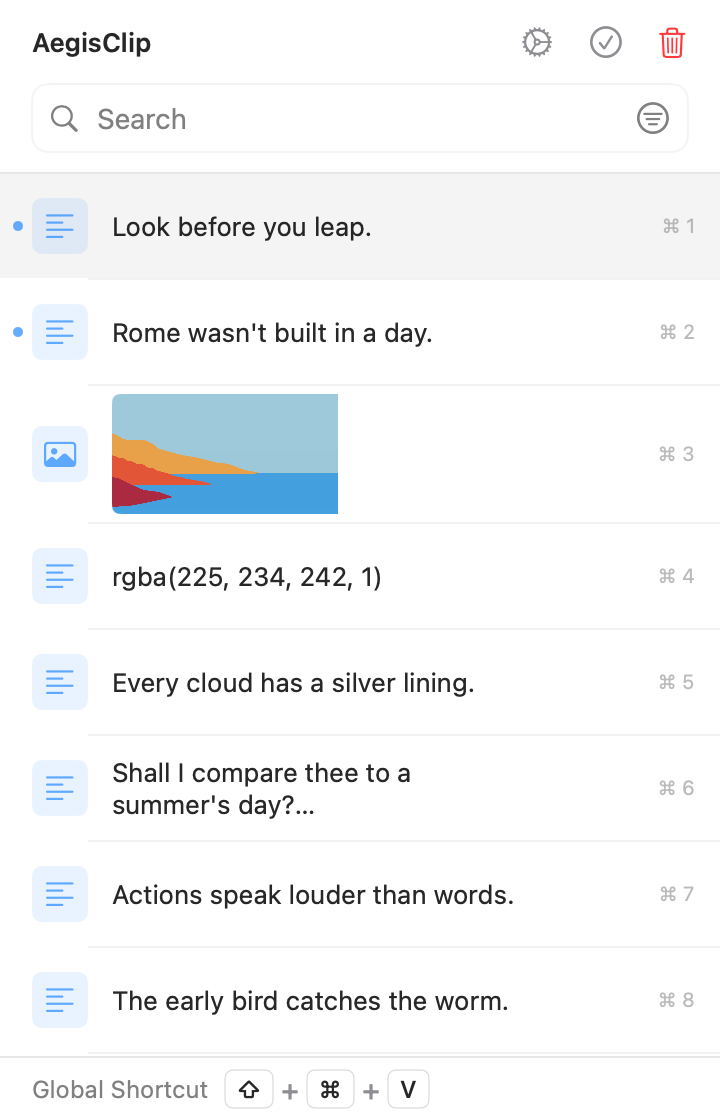
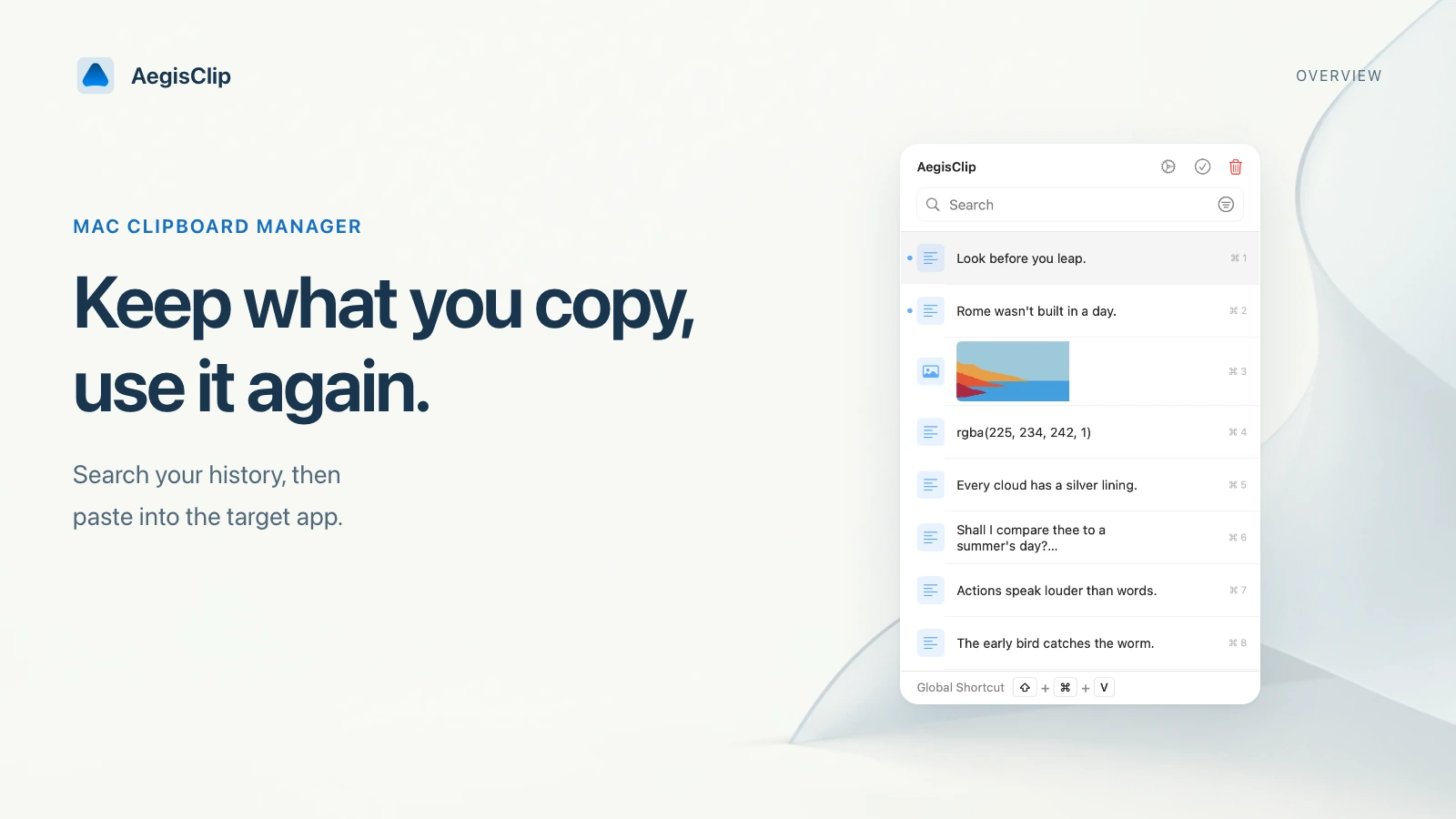
AegisClip is a local-first clipboard manager for Mac built around repeated daily actions, not just a passive history list. It keeps copied items searchable, supports tags and filters, and adds faster ways to use what you find.
It is strongest when you need to:
- recover and search clipboard history
- keep reusable clips grouped by project or topic
- paste selected history into the active app
- combine several clips into one output
- paste several items in sequence
- clean formatting before pasting
- preview text, images, and color values before pasting
- capture, mark up, pin, and reuse screenshots
- extract text from images when OCR is useful
- exclude private apps or pause monitoring for sensitive copies
It may be more than you need if you only want a minimal recent-items list.
What AegisClip is not trying to replace
AegisClip is not a password manager, a permanent code snippet repository, a citation manager, or a design system. Those tools should still own long-term sensitive data, shared source code, formal references, and brand assets.
The right role is narrower and more practical: AegisClip holds the material you are actively moving between apps. That includes safe commands, reusable replies, source notes, color values, screenshots, links, drafts, and copied fragments that would otherwise be lost or scattered across windows.
Thinking about the tool this way keeps the workflow clean. Save what helps the current task, tag what you will reuse, and remove the temporary items after the job is done.
Match the tool to the user
Writers and students should look for search, plain text, tags, splitting, and batch copy. Developers should test clean paste, snippet retrieval, shortcut speed, and sensitive-data habits. Designers should check image handling, color preview, screenshots, and OCR. Support, sales, and operations teams should care about reusable replies, tags, Auto Paste, Copy All, and Step Paste.
The best test is not a feature table. Copy real material from your normal day, then see whether the tool reduces app switching and repeated manual paste steps.
Try a small workflow first
- Copy a short text, a long passage, a link, and an image from real work.
- Open AegisClip and search for each item.
- Add a tag to anything you expect to reuse.
- Paste one item normally and one item as plain text.
- Select several clips and test Copy All or Step Paste.
If those steps remove friction, AegisClip is worth keeping in your Mac workflow. For a broader shortlist, continue to Best Clipboard Manager for Mac. For the underlying system feature, read Clipboard History on Mac. For a direct comparison, read AegisClip vs Maccy.
FAQ
What is a clipboard manager on Mac?
A clipboard manager saves copied items so you can search, preview, organize, and paste them later instead of relying only on the current macOS clipboard item.
Do I still need one if macOS has clipboard history?
Maybe. macOS Tahoe 26 gives Spotlight a clipboard history view. A dedicated Clipboard Manager for Mac is still useful when you need tags, filters, batch actions, screenshots, OCR, or faster paste workflows.
What features matter most?
Start with search, reliable paste, privacy controls, ignore apps, and cleanup. Then compare tags, plain text paste, Auto Paste, Copy All, Step Paste, screenshots, OCR, and import/export if your work needs them.
Who is AegisClip best for?
AegisClip is best for Mac users who reuse copied material often: writers, students, developers, designers, support teams, operators, and anyone filling repeated forms or collecting snippets across apps.
Download AegisClip
Clipboard · Screenshot OCR · AI Bar — core history stays on your Mac by default.
Free download · 7-day full trial · Optional one-time upgrade.