Clipboard Manager for Designers
A practical Mac workflow for designers who copy color codes, screenshots, references, and design notes. See how AegisClip keeps them searchable.
On this page5 sections
Key Features
- Preview HEX, RGB, and RGBA color values before pasting
- Keep project colors, screenshots, and design notes searchable
- Organize reusable visual references with tags
- Extract text from screenshots when visual notes contain copy
- Paste clean color values into design tools, docs, or code
Why designers need a clipboard manager
Design work creates a busy clipboard: HEX values, RGB colors, screenshots, reference images, UI copy, comments from teammates, and notes from design reviews. The system clipboard is fine for one quick copy. It becomes less helpful when you need to find a brand color from yesterday, compare two screenshots, or reuse the same handoff note in several places.
A clipboard manager for designers gives those copied items a short-term memory. AegisClip keeps them in a searchable Mac clipboard history, so useful visual material does not disappear the moment you copy something else.
On macOS Tahoe 26, Spotlight can search clipboard history, which helps with recent recovery. AegisClip is for the more practical design workflow after that: previewing color values, organizing reusable clips, marking screenshots, extracting text from images, and pasting the right item into the right app.
What is worth keeping
You do not need to save every color or every screenshot. The useful items are the ones you are likely to reuse:
- brand colors, product colors, and approved palette values
- CSS variables, design tokens, and color notes for developers
- screenshots from reviews, QA, app flows, or visual references
- short design explanations you paste into tickets or handoff docs
- links, labels, and microcopy that move between browser, Figma, docs, and chat
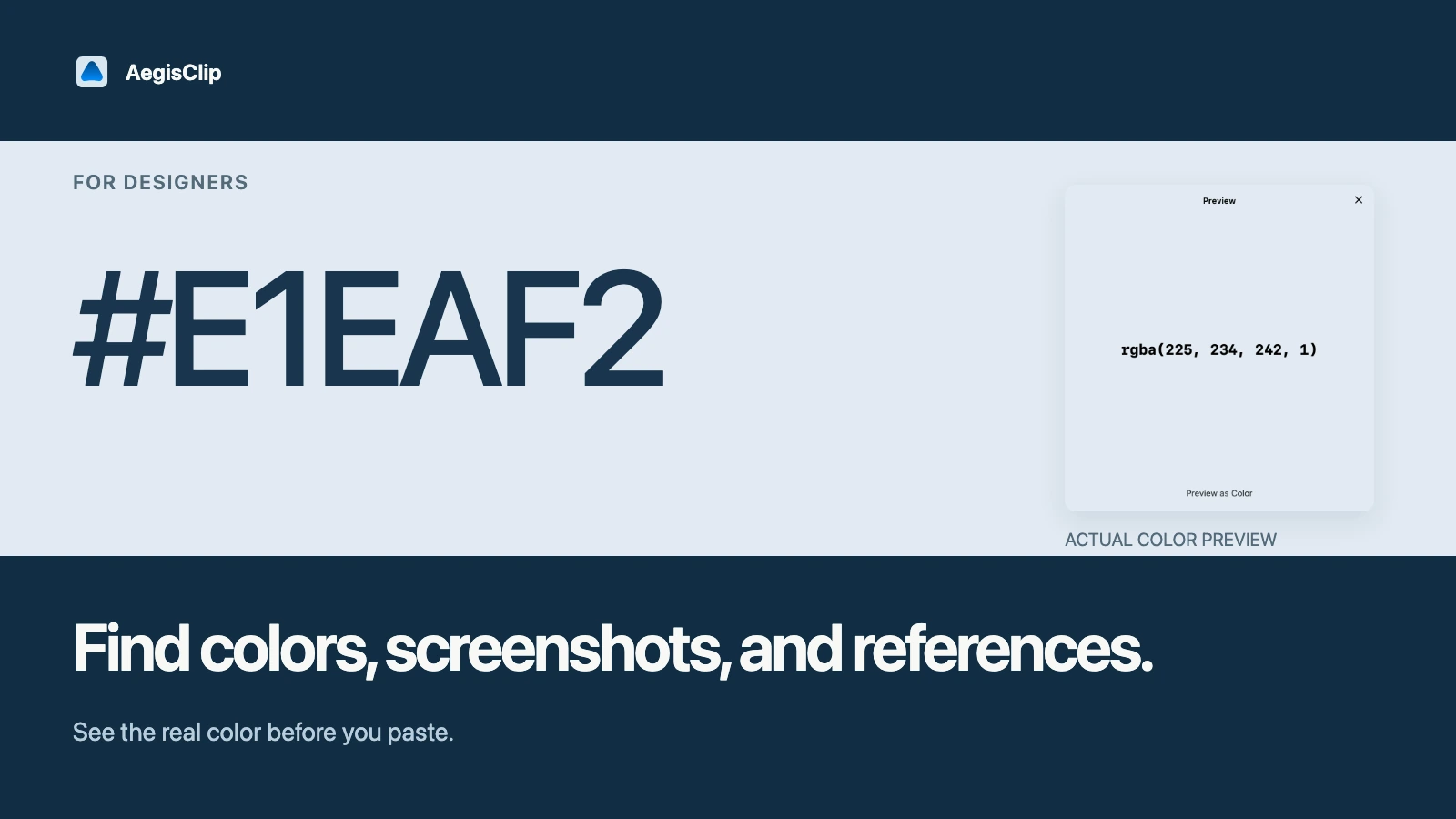
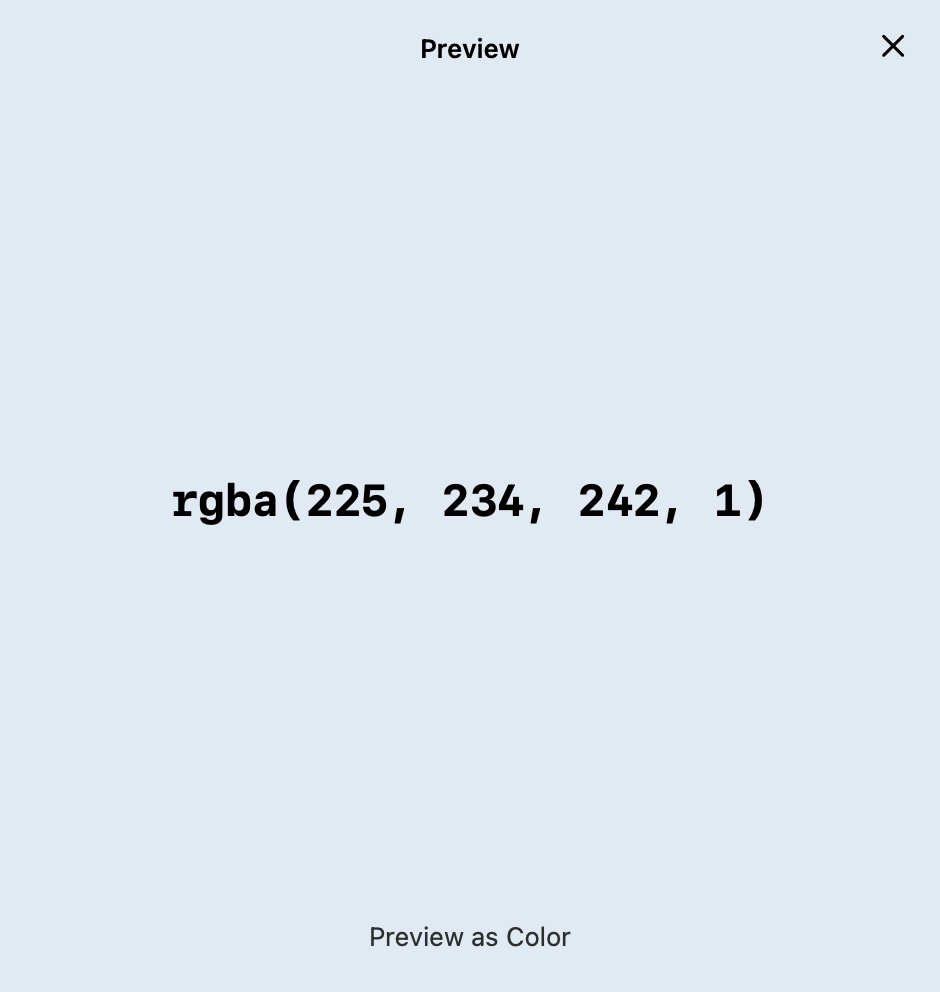
Clipboard color preview is useful when the whole copied text is a color value, such as #1A73E8, FFFFFF, rgb(26, 115, 232), or rgba(26, 115, 232, 0.8). You can confirm the color visually before you paste it, instead of opening another color picker.
A practical AegisClip workflow
- Copy a few colors, screenshots, and notes from one active design project.
- Open AegisClip and preview the color values or images before reusing them.
- Add a project tag such as
brand-refresh,mobile-app, orlanding-page. - Search by color value, source app, project name, or tag when you need the item again.
- Paste the selected value into your design tool, handoff doc, issue tracker, or code note.
This workflow is intentionally small. It is not a replacement for your design system or asset library. It is a faster place to keep the temporary material you are actively moving between apps.
Screenshots, notes, and image text
Designers often copy images that contain useful text: UI error states, screenshots from a customer report, app settings, competitor references, or notes from a call. AegisClip can keep those images in clipboard history, then pair them with Screenshot Enhancement and Image Insight OCR when the text inside the image needs to become selectable.
For long-term organization, use Clipboard Tag Management. Tags are better than time order when a project lasts more than a day. Search is still useful for one-off recall, but tags make reusable design material easier to find after the history grows.
When not to use it
A clipboard manager for designers should not become another messy inspiration folder. Avoid saving every visual you see. Keep the items that are active, reusable, or tied to a real project. Delete temporary screenshots after review, and keep source files in the proper design system or file storage when they need long-term ownership.
If your main issue is only recovering a recent item, start with How to View Clipboard History on Mac. If you want a broader product checklist, read Clipboard Manager for Mac.
FAQ
What is a clipboard manager for designers?
It is a clipboard workflow for saving, finding, previewing, and reusing design material such as color codes, screenshots, reference notes, UI copy, and project snippets.
Can AegisClip preview color codes?
Yes. AegisClip can preview common standalone color values such as HEX, RGB, and RGBA, which helps you confirm a color before pasting it into a design tool or handoff document.
Should designers save every copied color?
No. A clipboard manager for designers works best when you keep reusable project colors, brand values, references, and notes, then delete temporary material that will not be useful later.
How should I try this workflow first?
Copy a few real color values, one screenshot, and one design note from an active project. Then test preview, search, tags, and paste in the apps you already use.
Download AegisClip
Clipboard · Screenshot OCR · AI Bar — core history stays on your Mac by default.
Free download · 7-day full trial · Optional one-time upgrade.