Preview Clipboard Items and Colors on Mac
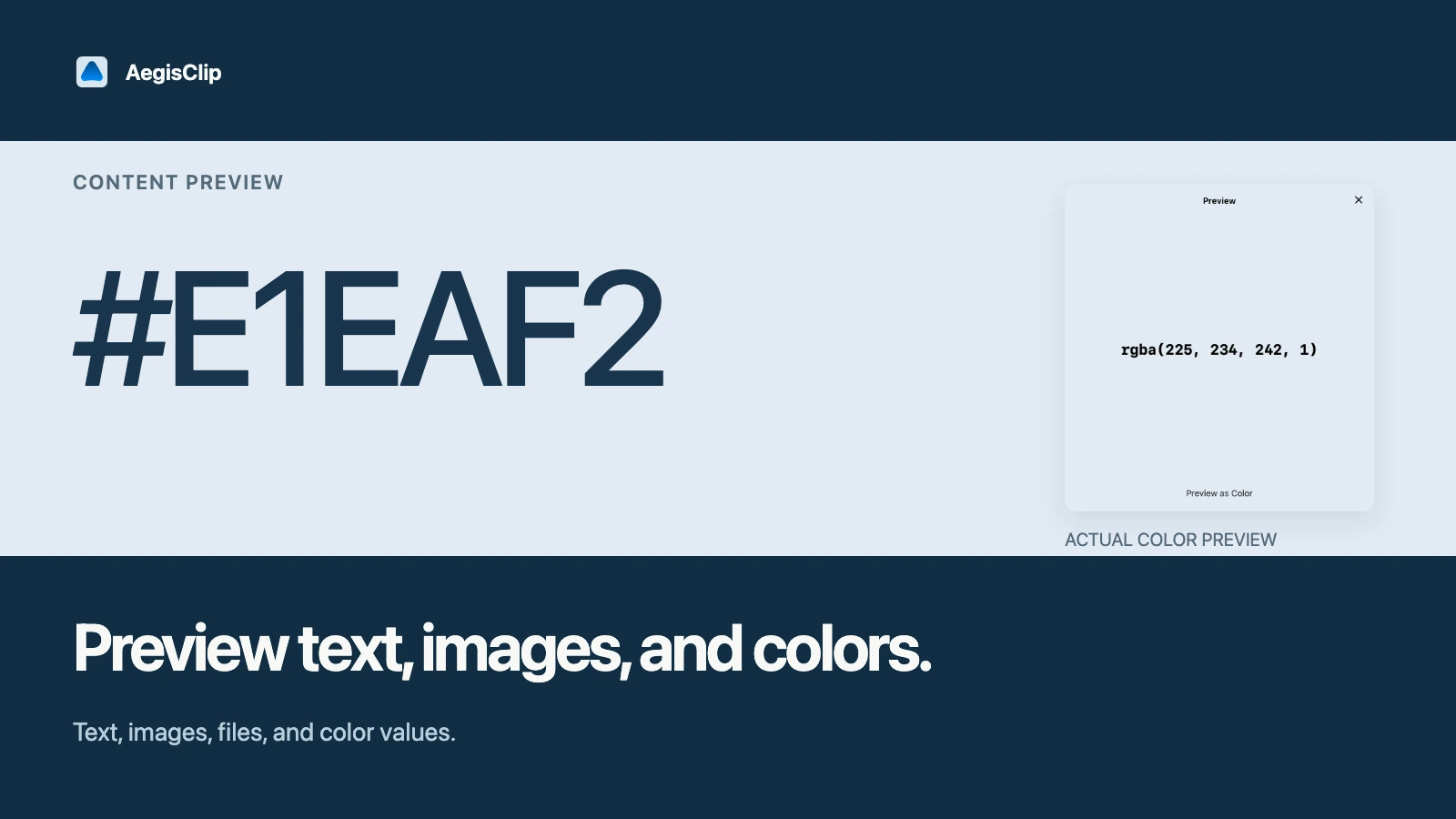
Preview parsed text, images, local files, PDFs, and standalone HEX, RGB, or RGBA values before you paste. Eight-digit hex uses RRGGBBAA.
On this page7 sections
Clipboard color preview is useful when copied items are visually close but not identical. A list of old clips may show a short label, but the real question is whether this is the right image, note, file, or color value to use next.
AegisClip lets you preview clipboard items before pasting, so the choice happens before the mistake.
Understand supported clipboard content
AegisClip is not limited to plain text. Clipboard history can recognize plain text, RTF, RTFD, HTML, PDFs, images, image file URLs, regular file URLs, spreadsheet-like content, and an unknown-type fallback.
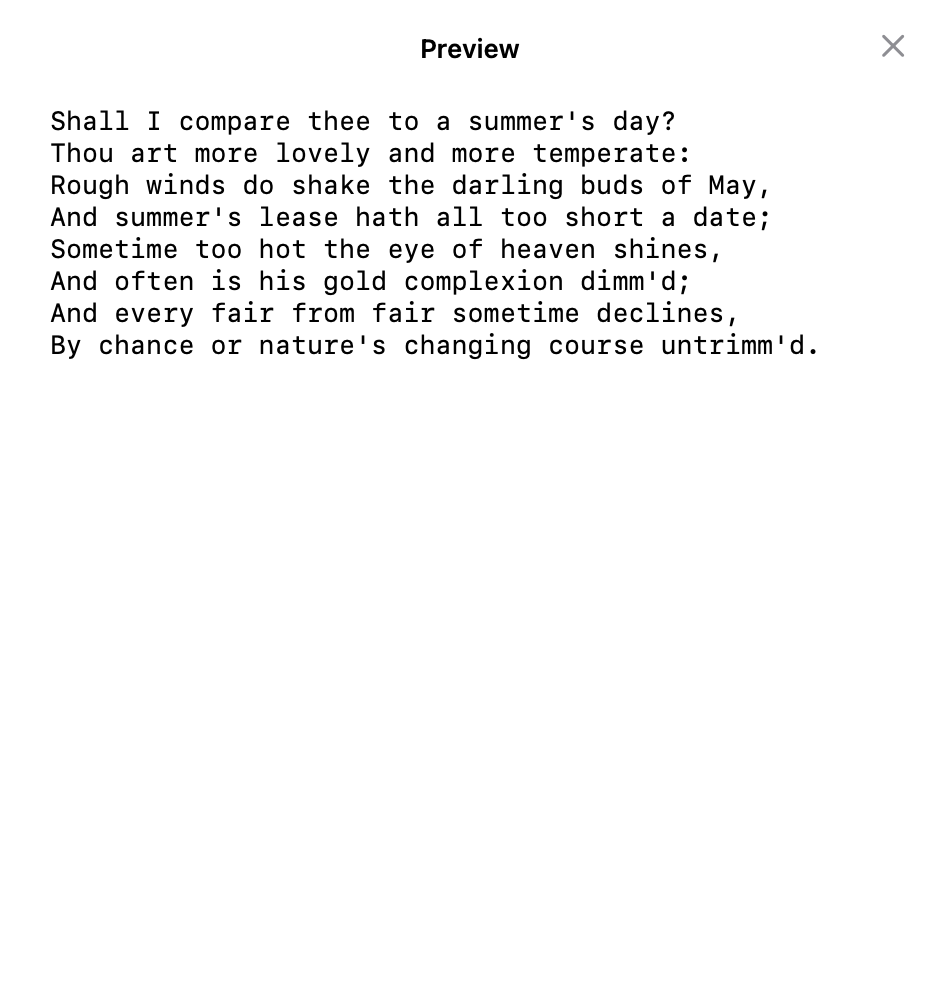
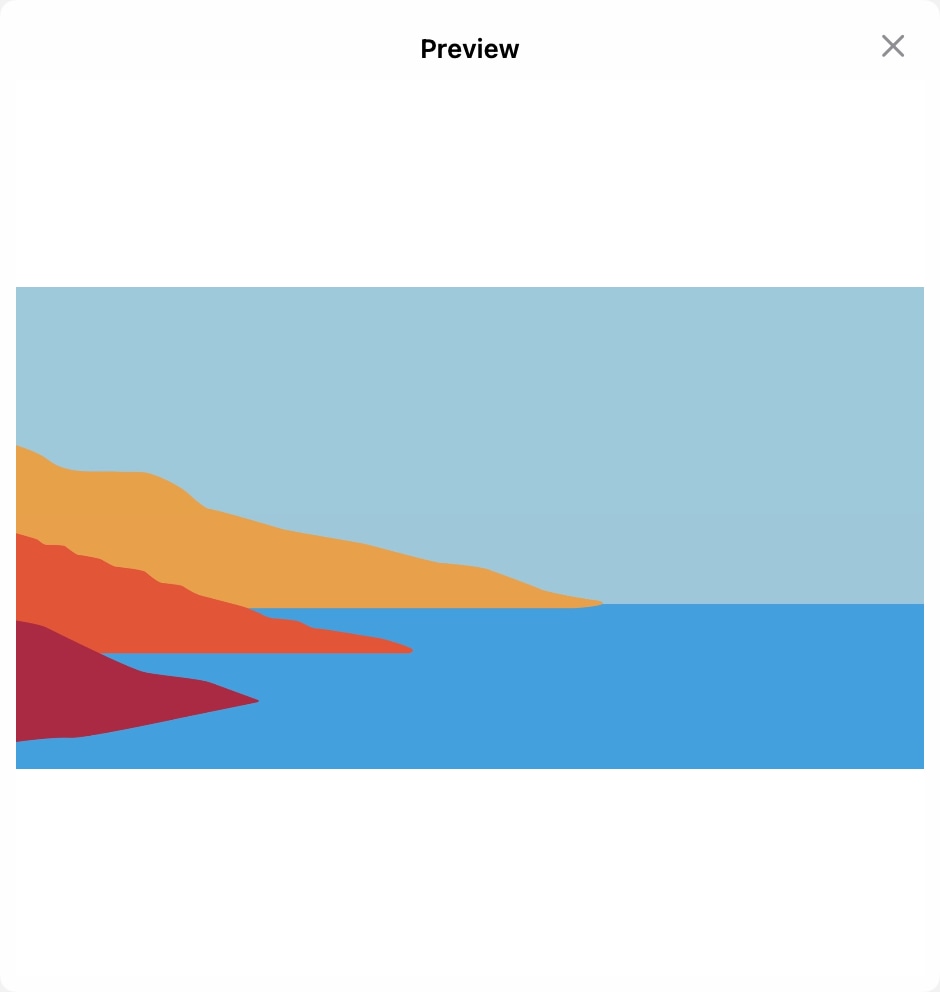
Plain text, RTF, RTFD, and HTML preview as parsed text rather than reconstructed rich layout. Images use the in-app preview. Existing local files and PDFs use macOS Quick Look. Color values switch the preview background.
Why preview matters
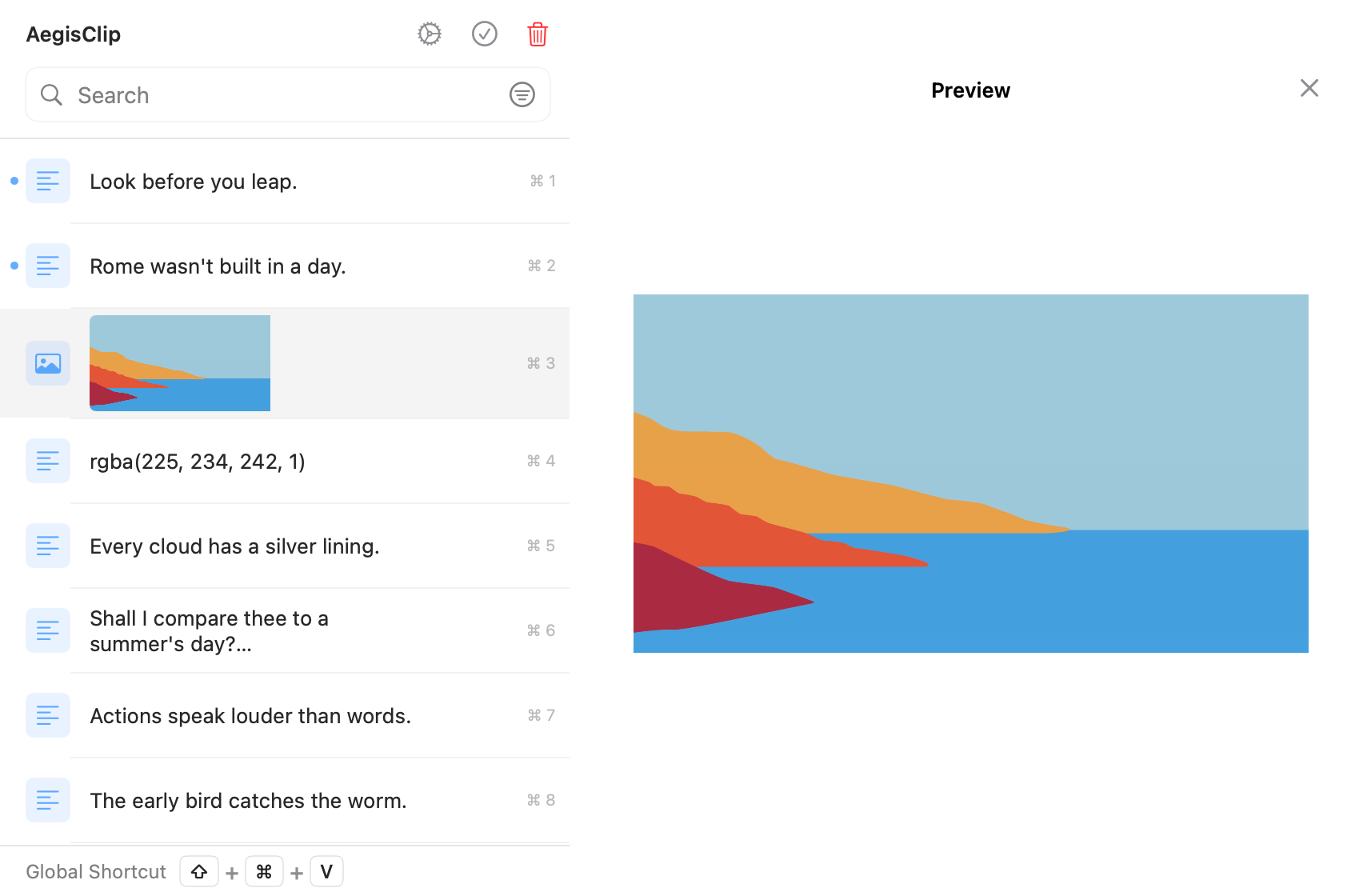
Preview is most useful when the copied material is hard to judge from one line:
- similar screenshots from the same app flow
- long text snippets with the same opening words
- color values that differ by only a few digits
- files or images copied from nearby folders
- rich text that may include hidden formatting
Instead of pasting, undoing, and searching again, inspect the item first.
Preview color values before handoff
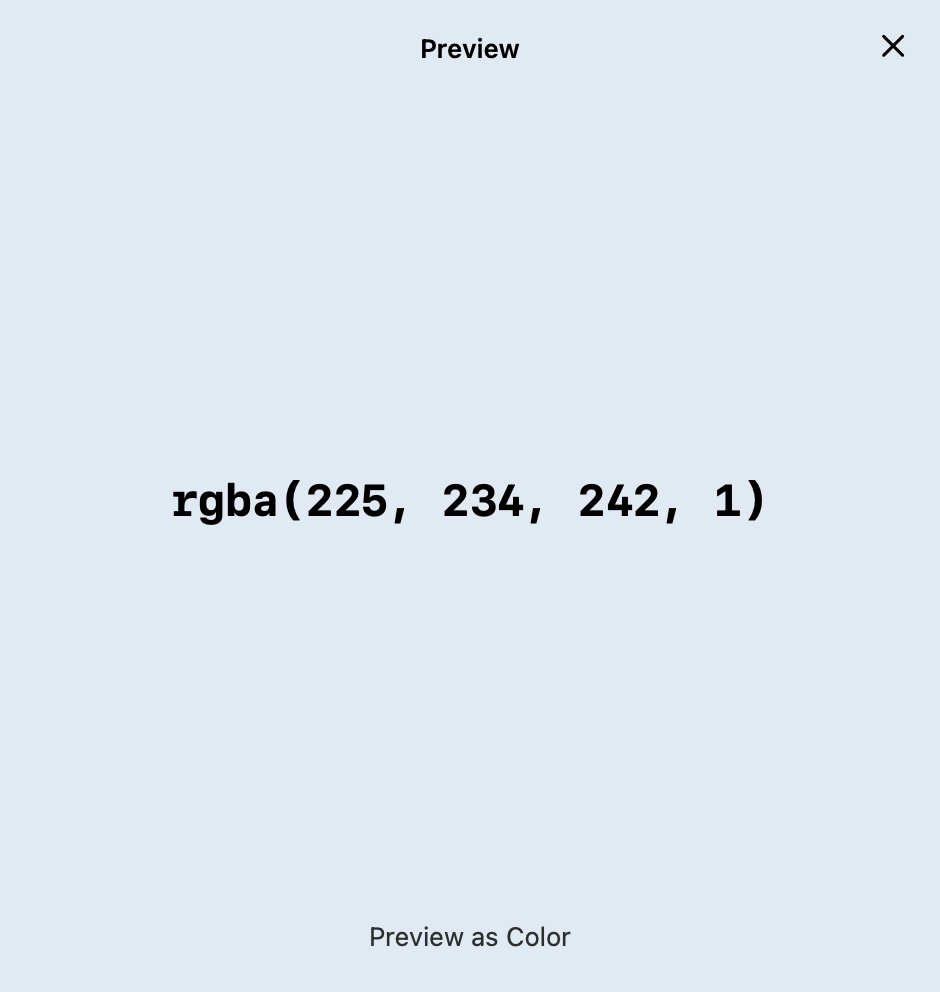
Designers and developers often move color values between design tools, CSS, docs, tickets, and chat. AegisClip can preview standalone values such as #1A73E8, FFFFFF, #1A73E8FF, rgb(26, 115, 232), and rgba(26, 115, 232, 0.8).
Eight-digit hex is parsed as RRGGBBAA, not AARRGGBB. The whole text must be the color code; a sentence containing a color value does not trigger the color background.
That small visual check helps when you are comparing primary colors, status colors, theme values, or one-off UI notes. For the broader design workflow, read Clipboard Manager for Designers.
Preview images, text, and files
Preview is not only for color. It helps when copied material includes:
- screenshots from QA or design review
- image clips that may need OCR
- file names and paths
- long text excerpts
- draft replies and reusable snippets
If an image contains text you need to reuse, continue with Image OCR and QR Recognition. If a screenshot needs markup or pinning, use Screenshot Tools.
Preview limits
- A file URL needs to exist locally and remain accessible to the app.
- PDF data uses a managed temporary Quick Look file that is cleaned up after switching or closing; external source files are not deleted.
- Rich-text preview is parsed text, not pixel-perfect reconstruction.
- Long text may be truncated when only a saved preview is available.
- A damaged image or unavailable file can fail and show a fallback or retry state.
Use preview with search and tags
Search narrows the list. Tags narrow the context. Preview confirms the final item.
- Search by project, source app, file name, or color value.
- Add a tag filter if the result list is still broad.
- Preview the likely items before pasting.
- Paste normally, paste as plain text, or use Auto Paste when the target app is ready.
This sequence works well for design handoff notes, support replies, research quotes, screenshots, and copied code examples.
Keep the right source of truth
Preview is a fast working check, not a replacement for long-term ownership. Brand colors should still live in the design system. API snippets should still live in the codebase or docs. AegisClip is the active layer for moving useful material between apps.
When the item is worth reusing later, combine preview with Clipboard Tag Management. When you only need to recover a recent copy, start with How to View Clipboard History on Mac.
FAQ
What can AegisClip preview?
It previews parsed plain text, RTF, RTFD, and HTML, plus images, existing local files, PDFs, and full-string HEX, RGB, or RGBA color values.
When is color preview useful?
It is useful when copied color codes move between design tools, CSS, documentation, tickets, and handoff notes, and you want to confirm the value visually before pasting.
Does preview change the copied item?
No. Preview helps you inspect the selected clip. Editing, tagging, copying, or pasting remain separate actions.
Should preview replace a design system?
No. Preview is for active working material. Source colors and tokens should still live in your design system, codebase, or documentation.
Download AegisClip
Clipboard · Screenshot OCR · AI Bar — core history stays on your Mac by default.
Free download · 7-day full trial · Optional one-time upgrade.