PasteNow Alternative: AegisClip vs PasteNow Compared
Looking for a PasteNow alternative? Compare AegisClip and PasteNow with a feature checklist covering lists, smart lists, drag and drop, tags, screenshots, OCR, and multi-item paste, plus iCloud, system requirements, and migration. Keep PasteNow for iOS and rules; try AegisClip for Mac image and content work.
On this page8 sections
Looking for a PasteNow alternative? Short answer: PasteNow leads with lists, smart lists, drag and drop, and iCloud across Mac and iPhone; AegisClip also organizes and syncs, and adds screenshot annotation and text from images. If the iOS keyboard and auto-classification matter most, keep PasteNow; for Mac image and content work, try AegisClip.
Quick answer
Choose AegisClip if you…
- Handle screenshots often and need to annotate or extract the text
- Want to tag material by project and purpose yourself
- Paste several items into several places every day
Choose PasteNow if you…
- You need clipboard history in the iPhone keyboard
- You like rule-based, automatic sorting (smart lists)
- You mainly collect and paste with drag and drop
What PasteNow is and who it is for
PasteNow is a clipboard manager for macOS and iOS: collect copied content into lists, with drag and drop, smart lists (condition-based automatic categories), preview and edit, full keyboard control, exclusion rules, and iCloud sync. Launched in 2021 and continuously updated, it rates well on the Mac App Store. It suits Apple users who work across Mac and iPhone and like rule-based organization. To see the whole category first, read Best Clipboard Manager for Mac and Mac Clipboard Manager.
How the apps differ
PasteNow presents content as lists: regular lists and condition-filtered smart lists that sort material, with drag and drop as a primary action and fast keyboard access.
AegisClip opens a window with a shortcut: search and filters on top, preview in the list, and once you find something you can tag it, edit it, handle the image, then merge or paste in order. One leans toward "collect and use by rules"; the other toward "find and organize as you go."
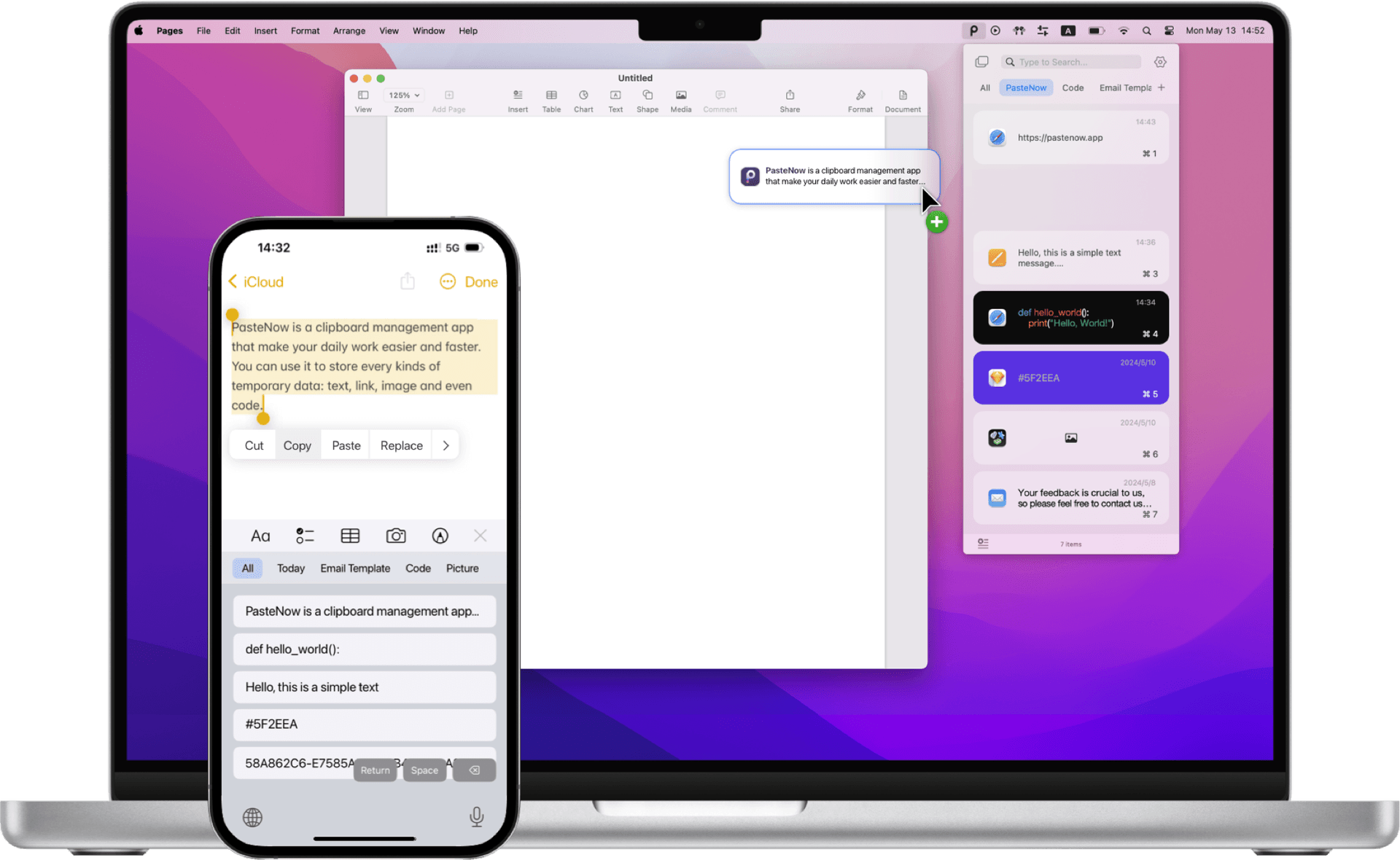
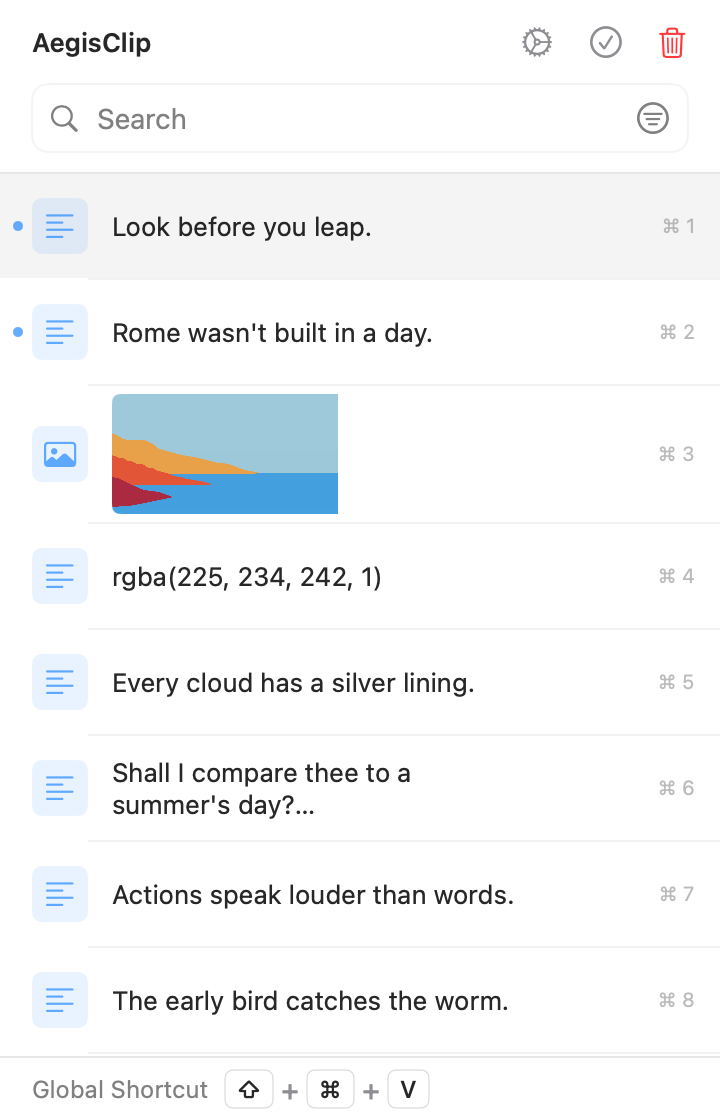
Left: lists and a mobile keyboard. Right: a workspace you find and organize in.
Feature checklist
Here is the full feature list. A check means supported, a cross means not supported, and a dash means partial or limited.
| AegisClip | PasteNow | |
|---|---|---|
| Capture & find | ||
| Text history | ||
| Image and file history | ||
| Keyword search | ||
| Condition-based smart filtering | ||
| Save to lists / pin | ||
| Organize | ||
| Several tags on one item | ||
| Drag-and-drop organizing | ||
| Built-in text editing | ||
| Split long text into items | ||
| Paste & output | ||
| Paste directly (simulate Command+V) | ||
| Paste as plain text | ||
| Color preview | ||
| Merge several items into one copy | ||
| Paste several items in order | ||
| Screenshots & images | ||
| Screenshots | ||
| Annotate and blur | ||
| Pin to screen | ||
| Text from images (OCR) | ||
| Privacy & data | ||
| Exclusion rules (by app / condition) | ||
| Pause recording | ||
| Set a history retention period | ||
| Optional iCloud sync | ||
| Cross-device & license | ||
| iOS app / cross-device use | ||
| Open source | ||
| Free to use | ||
Capture & find
- Text historyAegisClipPasteNow
- Image and file historyAegisClipPasteNow
- Keyword searchAegisClipPasteNow
- Condition-based smart filteringAegisClipPasteNow
- Save to lists / pinAegisClipPasteNow
Organize
- Several tags on one itemAegisClipPasteNow
- Drag-and-drop organizingAegisClipPasteNow
- Built-in text editingAegisClipPasteNow
- Split long text into itemsAegisClipPasteNow
Paste & output
- Paste directly (simulate Command+V)AegisClipPasteNow
- Paste as plain textAegisClipPasteNow
- Color previewAegisClipPasteNow
- Merge several items into one copyAegisClipPasteNow
- Paste several items in orderAegisClipPasteNow
Screenshots & images
- ScreenshotsAegisClipPasteNow
- Annotate and blurAegisClipPasteNow
- Pin to screenAegisClipPasteNow
- Text from images (OCR)AegisClipPasteNow
Privacy & data
- Exclusion rules (by app / condition)AegisClipPasteNow
- Pause recordingAegisClipPasteNow
- Set a history retention periodAegisClipPasteNow
- Optional iCloud syncAegisClipPasteNow
Cross-device & license
- iOS app / cross-device useAegisClipPasteNow
- Open sourceAegisClipPasteNow
- Free to useAegisClipPasteNow
PasteNow's strengths are lists, smart lists, drag and drop, exclusion rules, and iCloud across devices; screenshot, annotation, and text recognition are not in its feature set. Check the current version.
Both search, filter by conditions, edit, paste directly, and sync across devices. The difference: PasteNow sorts by rules, while AegisClip leaves the judgment to you and handles screenshots.
When it is worth switching
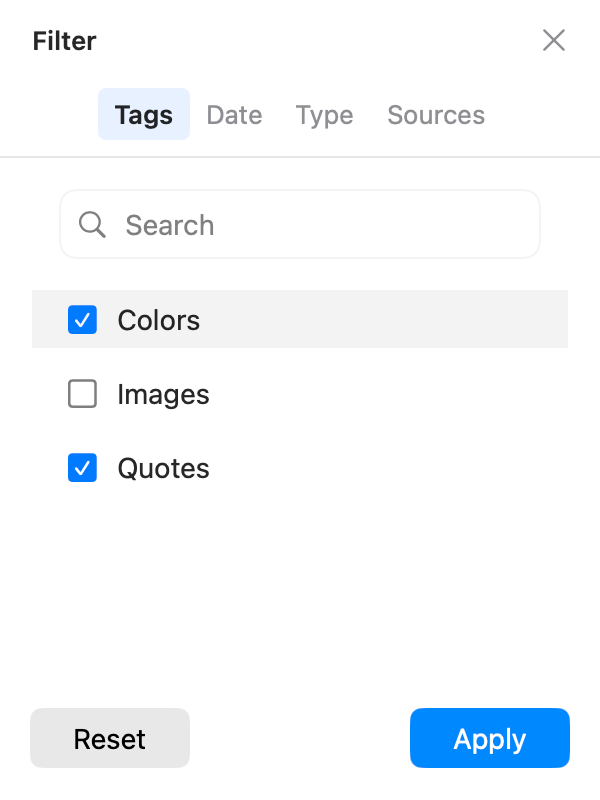
1. Classification needs human judgment. PasteNow's smart lists suit material that fits fixed conditions; but a quote might be "Project A," "Client reply," and "Needs review" at once, which source or format may not reveal. AegisClip's tag management lets you express these purposes and find the item from any tag.
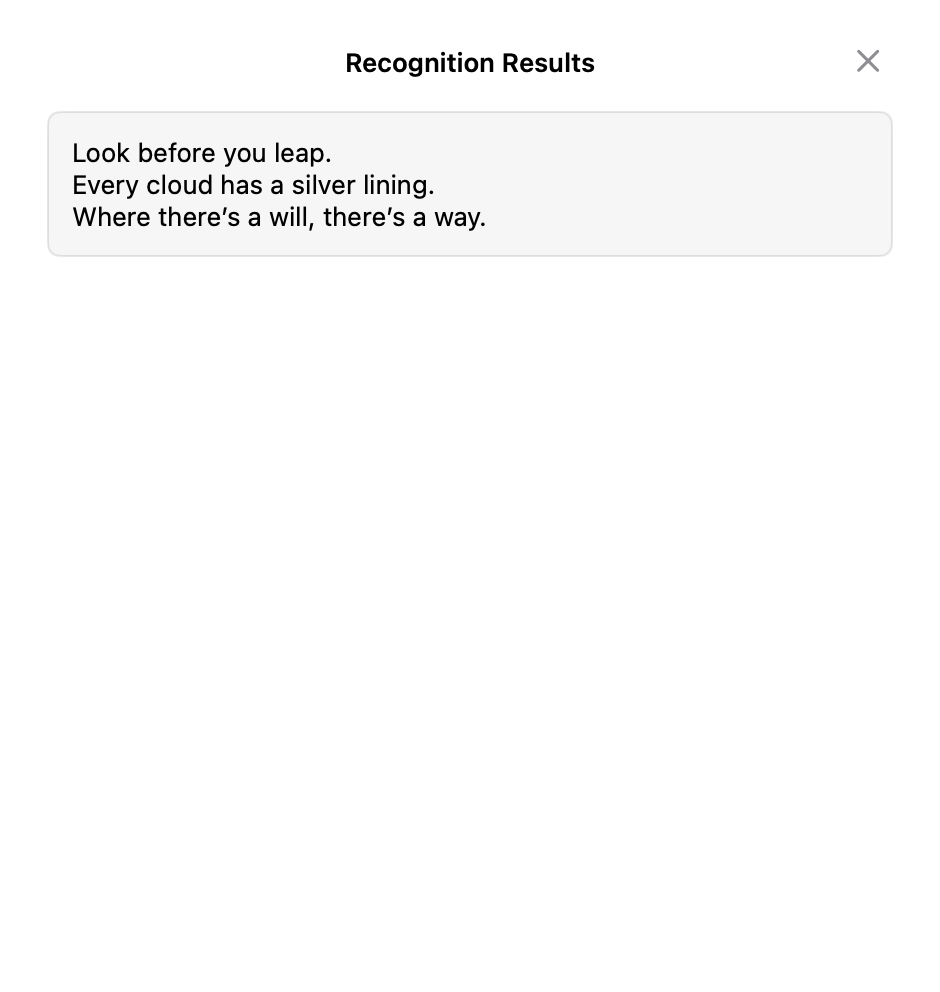
2. An image contains text you need. A student turning slides into notes or a support agent pulling an order number and hiding customer data: PasteNow stores the image but does not recognize or annotate. AegisClip uses text from images (OCR) to recognize text, then Screenshot Enhancement to annotate and pin.
3. Several items to spread out or merge. AegisClip lets you pick 2–30 items and paste them in order with Step Paste; to put several into one document, use Copy All. PasteNow is built around lists.
Migrating from PasteNow to AegisClip
The export formats differ, and "both export" does not mean they read each other. Move a small set first and keep the old library while you decide.
- Pick a few text, link, and image items from one project and rebuild purpose tags in AegisClip.
- Find the same item by keyword, tag, and source, and compare the lookups.
- Extract text from one screenshot and run one multi-item paste to test daily value.
- If the phone is essential, verify the mobile option you need before switching your main tool.
AegisClip migrates content with Import / Export (CSV plus an image folder); non-image rows import as plain text, so check line breaks, images, and categories on a sample.
Price and system
- AegisClip: free download with a 7-day full trial, then an optional one-time upgrade; macOS 12+. See Free vs Full Version.
- PasteNow: free to download, with unlock options in the App Store; the current version requires macOS 15, iOS 18, or later, with older builds for older macOS.
AegisClip keeps history on your Mac by default and offers optional iCloud sync; both need Accessibility permission to paste directly.
Bottom line
If the iOS keyboard and smart lists matter most, keep PasteNow. But recording, filtering, editing, direct paste, and sync are things AegisClip does too, plus text from images and purpose tags. For Mac image and content work, AegisClip is less busywork.
云贴更适合你的三个理由
- Extract text from screenshots, then annotate and pin
- Tag items and find them by purpose
- Merge several items or paste them in order
如果这些是你的硬需求,请保留原工具
- The iOS keyboard is a hard requirement — keep PasteNow
- You depend heavily on smart-list auto-classification
- You mainly collect and paste with drag and drop
To try it, start with three small tasks: find one old item, process one screenshot, and fill one multi-field form. Download AegisClip and see. Comparing other tools? Read AegisClip vs Maccy.
FAQ
What systems does PasteNow support?
The current version requires macOS 15 or iOS 18 and later; older macOS versions can download an older build. Confirm which version installs on your system before buying.
Does PasteNow have Windows or Android versions?
No, PasteNow is Apple-only (Mac and iPhone / iPad). If you need Windows or Android, verify other options before deciding.
Does PasteNow support OCR or screenshots?
No. PasteNow stores and organizes text and images but has no screenshot capture, annotation, or text recognition. Use AegisClip or another tool for those.
Should I choose PasteNow or AegisClip?
For the iOS keyboard, smart lists, and cross-device sync, use PasteNow. For Mac image organization, screenshots, and multi-item output, AegisClip fits better.
Is PasteNow free?
PasteNow is free to download, with unlock options inside the App Store. Check the App Store for current pricing and entitlements.
Can I move PasteNow data into AegisClip?
There is no direct import. The export formats differ and smart-list rules do not carry over; move a small set of frequently used items and keep the old library while you decide.
Download AegisClip
Clipboard · Screenshot OCR · AI Bar — core history stays on your Mac by default.
Free download · 7-day full trial · Optional one-time upgrade.