Paste Alternative: AegisClip vs Paste Compared
Looking for a Paste alternative? Compare AegisClip and Paste with a feature checklist covering cross-device sync, Pinboards, shared groups, image-text search, tags, screenshot annotation, and multi-item paste, plus price and migration. Try AegisClip for personal Mac image and content work; keep Paste for team sharing or image-text search.
On this page8 sections
Looking for a Paste alternative? Short answer: Paste leads with cross-device sync, Pinboards, team sharing, and image-text search; AegisClip covers those basics too and adds multi-tag organization, screenshot annotation, and multi-item paste. For personal Mac image and content work, try AegisClip; for team sharing or image-text search, keep Paste.
Quick answer
Choose AegisClip if you…
- Screenshots need annotation, redaction, or pinning
- One item should belong to several purposes at once
- You merge several items or paste them in order
Choose Paste if you…
- You sync across several Apple devices
- You need shared Pinboards for a team
- You want to search history by text inside images
What Paste is and who it is for
Paste is a clipboard manager for Mac, iPhone, and iPad: unlimited searchable history, Pinboards for grouping, cross-device sync, shared groups, image-text search, Stack for in-order output, plus Apple Intelligence suggestions and context for AI tools. It suits Apple users who work across devices and may share material with a team. To see the whole category first, read Best Clipboard Manager for Mac and Mac Clipboard Manager.
How the apps differ
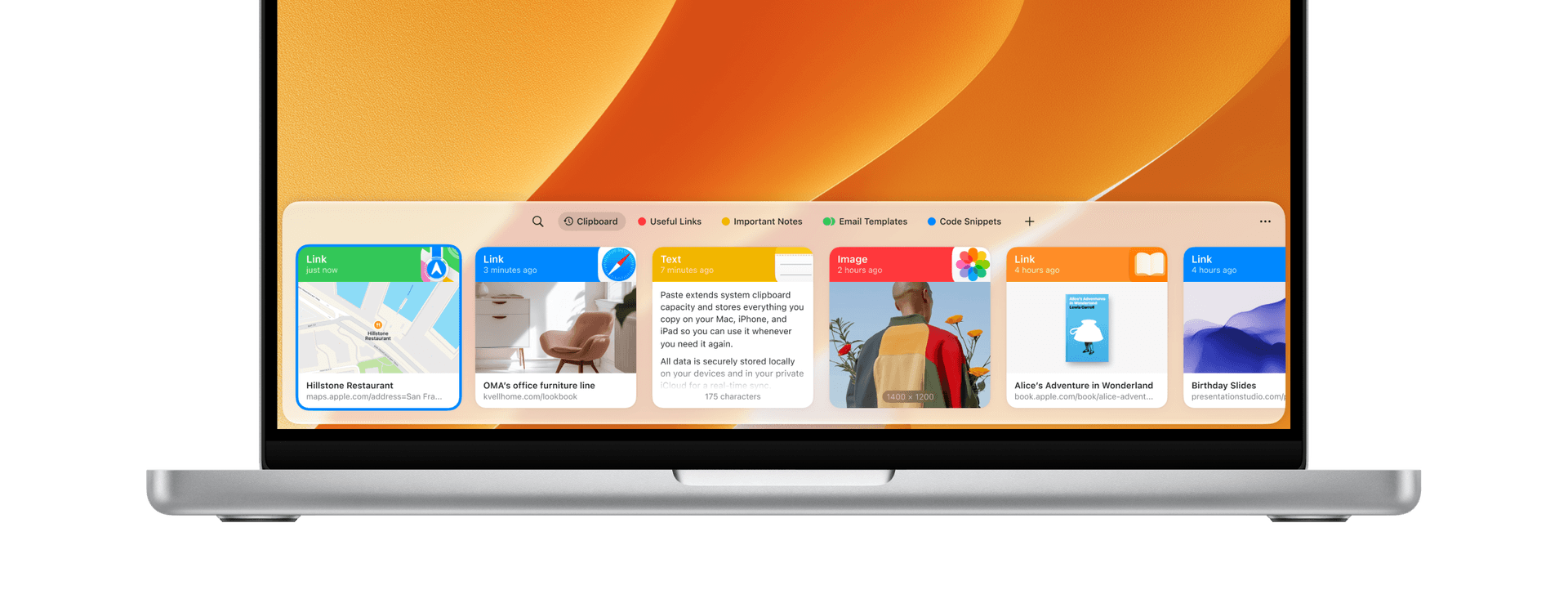
Paste presents content as cards: visual browsing, Pinboards, and cross-device sync are its focus.
AegisClip opens a window with a shortcut: search and filters on top, preview in the list, and once you find something you can tag it, edit it, handle the image, then merge or paste in order. One leans toward "save and sync"; the other toward "rework it after you find it."

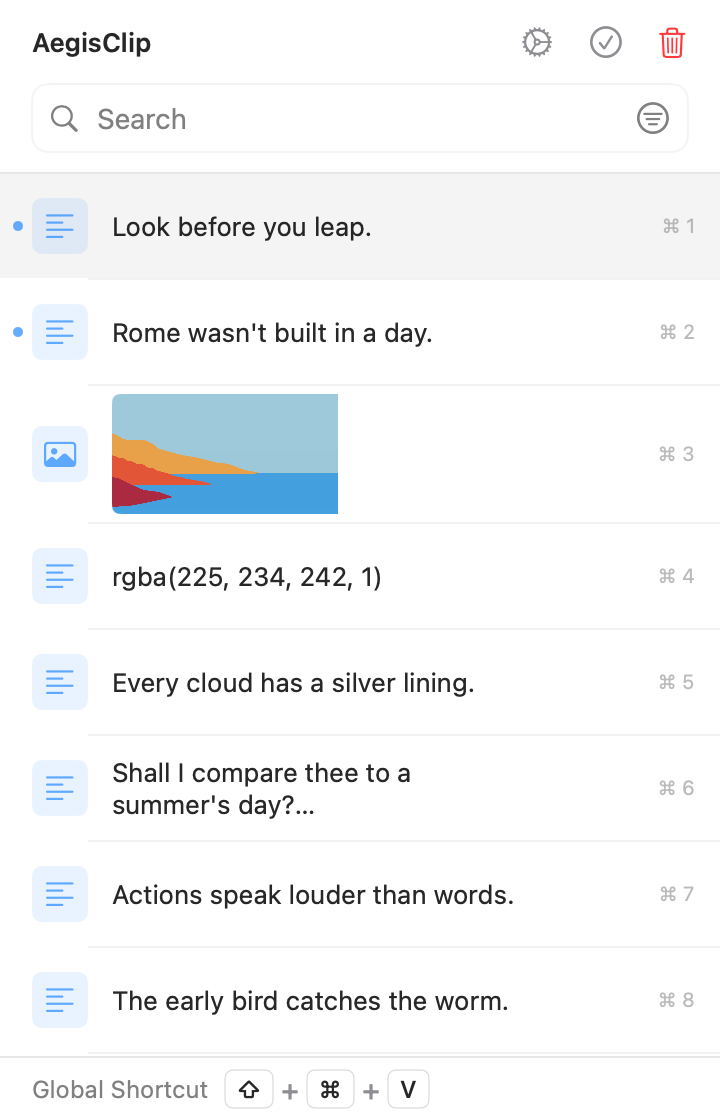
Left: save and sync. Right: a workspace to rework what you find.
Feature checklist
Here is the full feature list. A check means supported, a cross means not supported, and a dash means partial or limited.
| AegisClip | Paste | |
|---|---|---|
| Capture & find | ||
| Text history | ||
| Image and file history | ||
| Keyword search | ||
| Filter by source, date, or type | ||
| Pin items | ||
| Organize | ||
| Several tags on one item | ||
| Groups / Pinboards | ||
| Team sharing | ||
| Built-in text editing | ||
| Split long text into items | ||
| Paste & output | ||
| Paste directly (simulate Command+V) | ||
| Paste as plain text | ||
| Paste several items in order | ||
| Merge several items into one copy | ||
| Images & text | ||
| Screenshots, annotation, pinning | ||
| Extract copyable text from images | ||
| Search by text inside images | ||
| Privacy & data | ||
| Ignore specific apps (including passwords) | ||
| Pause recording | ||
| Set a history retention period | ||
| Optional iCloud sync | ||
| Cross-device & license | ||
| iOS / cross-device use | ||
| AI assistance | ||
| Open source | ||
| One-time purchase | ||
Capture & find
- Text historyAegisClipPaste
- Image and file historyAegisClipPaste
- Keyword searchAegisClipPaste
- Filter by source, date, or typeAegisClipPaste
- Pin itemsAegisClipPaste
Organize
- Several tags on one itemAegisClipPaste
- Groups / PinboardsAegisClipPaste
- Team sharingAegisClipPaste
- Built-in text editingAegisClipPaste
- Split long text into itemsAegisClipPaste
Paste & output
- Paste directly (simulate Command+V)AegisClipPaste
- Paste as plain textAegisClipPaste
- Paste several items in orderAegisClipPaste
- Merge several items into one copyAegisClipPaste
Images & text
- Screenshots, annotation, pinningAegisClipPaste
- Extract copyable text from imagesAegisClipPaste
- Search by text inside imagesAegisClipPaste
Privacy & data
- Ignore specific apps (including passwords)AegisClipPaste
- Pause recordingAegisClipPaste
- Set a history retention periodAegisClipPaste
- Optional iCloud syncAegisClipPaste
Cross-device & license
- iOS / cross-device useAegisClipPaste
- AI assistanceAegisClipPaste
- Open sourceAegisClipPaste
- One-time purchaseAegisClipPaste
Paste's strengths are Pinboards, team sharing, image-text search, cross-device sync, and Apple Intelligence; screenshot annotation and pinning are not in its feature set. Check the current version.
Both search, paste directly, output in order, and sync across devices. The difference: Paste saves and shares content, while AegisClip keeps reworking it and handles screenshots.
When it is worth switching
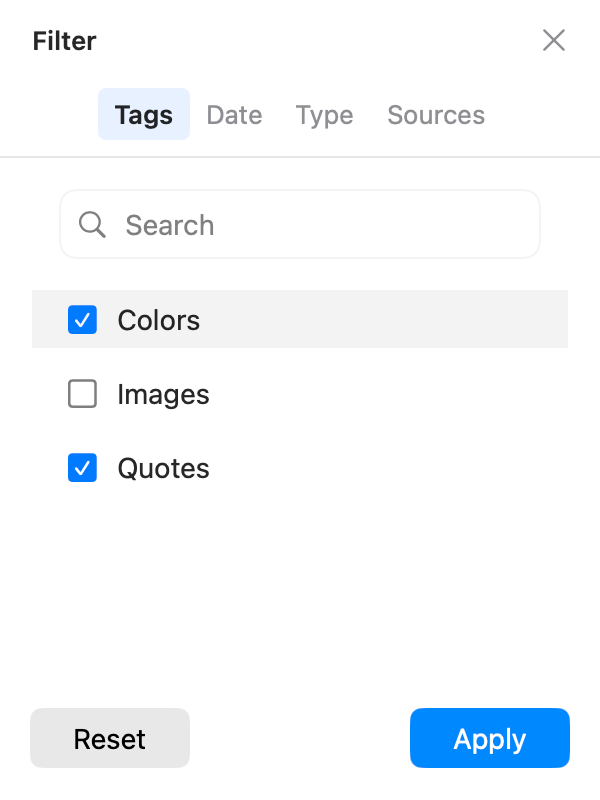
1. One item should belong to a project and a purpose at once. Paste's Pinboards group material, and an item currently belongs to one Pinboard; it also lets you invite others to view or edit. For personal cross-classification, we recommend AegisClip; for a shared team library, evaluate Paste's sharing.
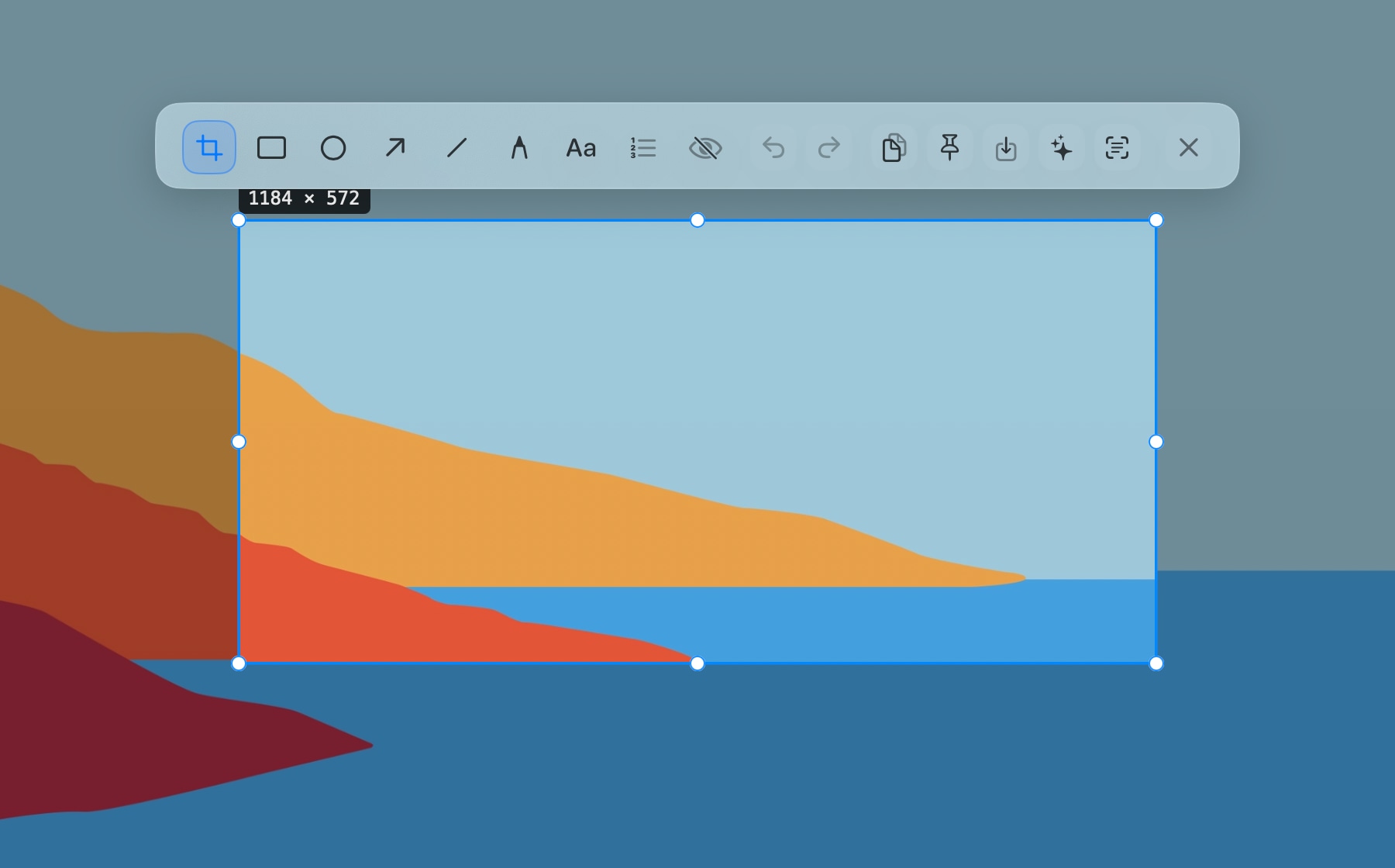
2. A screenshot needs text and an explanation. Paste's image-text search is great for finding an old screenshot by its words; but to circle a button, hide sensitive data, or pin the image, you need AegisClip's Screenshot Enhancement, with text from images (OCR) for the text.
3. Several items to spread out or merge. Both output in order — Paste with Stack, AegisClip with Step Paste for 2–30 items; to write one summary, AegisClip uses Copy All, and a long passage can be split into items and recomposed.
Migrating from Paste to AegisClip
Move frequently used material first, keep the old library, then decide how far to go.
- Pick 10 replies you still use, two images, and a few links, and note the old grouping.
- Add project and purpose tags in AegisClip and find the same item by keyword and by tag.
- Do one screenshot text capture, one multi-field paste, and one multi-item merge; check the results.
- If you need sync or sharing, test it separately and confirm whether personal tags fit your flow.
There is no confirmed one-click path from Paste's database. AegisClip migrates content with Import / Export (CSV plus an image folder); non-image rows become plain text.
Price and devices
- AegisClip: free download with a 7-day full trial, then an optional one-time upgrade; macOS 12+. See Free vs Full Version.
- Paste: subscription plans plus a Lifetime one-time purchase; covers Mac, iPhone, and iPad. Compare price and device coverage by channel.
AegisClip keeps history on your Mac by default and offers optional iCloud sync; both need Accessibility permission to paste directly.
Bottom line
If you rely on team sharing or image-text search, keep Paste. But recording, search, in-order paste, and sync are things AegisClip does too, plus multi-tag organizing, screenshot annotation, and merge. For personal Mac image and content work, AegisClip is less busywork.
云贴更适合你的三个理由
- Tag items and find them by purpose
- Annotate, redact, and pin screenshots, and extract their text
- Merge several items or paste them in order
如果这些是你的硬需求,请保留原工具
- Shared Pinboards and team collaboration are a hard requirement — keep Paste
- You need to search old screenshots by text inside them
- You sync across several Apple devices
To try it, start with three small tasks: find one old item, process one screenshot, and fill one multi-field form. Download AegisClip and see. Comparing other tools? Read AegisClip vs Maccy.
FAQ
Is Paste a subscription or a one-time purchase?
Both exist. Paste offers subscription plans and a Lifetime one-time purchase; compare price, device coverage, and update rights per channel rather than judging by the word 'subscription' or 'lifetime'.
What devices does Paste support?
Paste covers Mac, iPhone, and iPad, synced through your private iCloud. This article assesses AegisClip mainly on Mac, where iCloud sync is optional.
Can Paste extract text from images?
Paste searches history by the text inside images, which is great for finding an old screenshot. AegisClip focuses on extracting that text so you can copy it, alongside screenshot annotation. The two aim at different tasks.
Can AegisClip replace Paste's shared Pinboards?
No. AegisClip's personal tags are for your own organizing, not a shared team library. If you need shared groups, evaluate Paste's collaboration.
Should I choose Paste or AegisClip?
For cross-device use, team sharing, or image-text search, use Paste. For personal Mac image organization, screenshot annotation, and multi-item output, AegisClip fits better.
Can I move all of Paste's history into AegisClip?
There is no confirmed lossless path. AegisClip imports its own CSV and image folder, and non-image rows become plain text. Move frequently used material and keep the old library.
Download AegisClip
Clipboard · Screenshot OCR · AI Bar — core history stays on your Mac by default.
Free download · 7-day full trial · Optional one-time upgrade.